The 128 Hz Tone Generator: Unlocking the Physics of Musical Pitch and Room Resonance
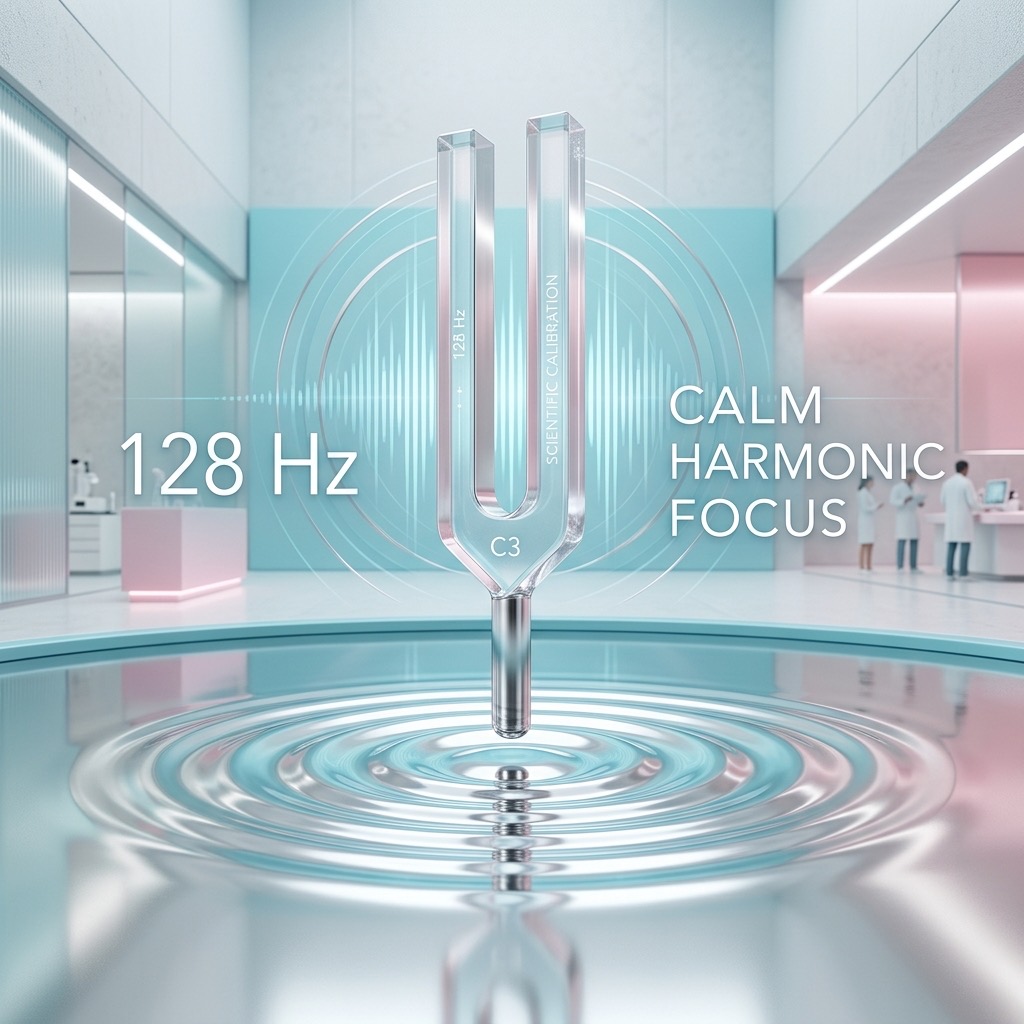
If you have landed on this page, you are likely not just casually browsing. You are probably a musician tuning a specific string, a sound engineer chasing a particular warmth in a mix, or a curious audio enthusiast exploring the lower-midrange of human hearing. 128 Hz is a fascinating frequency—it sits right at the boundary where our ears start to perceive sound as "deep" rather than just "low." It is the fundamental frequency of C3, an octave below middle C, and the exact pitch of a standard low F tuning fork used in medical and scientific settings. Here, we are going to explore why this specific number matters, how to generate it effectively, and how to use it to your advantage.
Why 128 Hz is the "Sweet Spot" for Musical and Acoustic Calibration
Most people search for 128 Hz because they have a specific, tangible goal in mind. It is rarely about random exploration. In the world of music, this is the note that anchors the lower register of a cello, the deepest notes of a standard bass guitar, and the foundation of many male choral parts. If you are a pianist, this is the C below the treble clef, a note that carries the harmonic weight of a chord. For sound therapists, 128 Hz is significant because it falls within the range associated with the human vocal formant, meaning it can feel incredibly "physical" when played at volume. You searched for this because you need to tune to C3, test a speaker's mid-bass response, or simply experience a tone that is low enough to feel in your chest but high enough to be clearly discernible as a musical pitch. It is the perfect bridge between the sub-bass rumble and the vocal range.
Essential Gear: Headphones vs. Subwoofers for Accurate Reproduction
Before you hit play, you must understand that 128 Hz is a demanding frequency for small speakers. It is not a deep sub-bass tone, but it is low enough that your laptop's built-in speakers will likely struggle to produce it with any authority. To get the most out of this generator, your setup matters.
- For Critical Listening (Tuning & Pitch Reference): You need a pair of full-range headphones or studio monitors. Closed-back headphones are ideal for isolating the tone and hearing the pitch without room interference. You do not need a subwoofer for this frequency; 128 Hz is well within the range of a quality 2-way bookshelf speaker.
- For Physical Sensation & Room Resonance: If you want to feel the vibration and test how your room interacts with this frequency, you will need a dedicated subwoofer or a large floor-standing speaker. A subwoofer crossed over at 80 Hz will still reproduce 128 Hz with ease, giving you the "chest thump" sensation.
- For Smartphone Users: Please be aware that most smartphone speakers are tuned to emphasize vocals (1kHz-4kHz). They will play 128 Hz, but it may sound weak, distorted, or almost inaudible. Use headphones if you are on mobile.
Operating the Generator: A Step-by-Step Guide for Precision
Using a tone generator for a specific frequency is simple, but doing it correctly ensures you get a clean, usable tone rather than a muddy buzz. Follow this sequence for the best results.
- Select the Sine Wave (Crucial): On this tool, you will see waveform options (Sine, Square, Sawtooth, Triangle). For 128 Hz, you must select the Sine Wave. A sine wave contains only the fundamental frequency, meaning you will hear pure C3 with no harmonic overtones. This is essential for accurate tuning and acoustic testing. A square wave at 128 Hz will sound harsh and buzzy because it adds odd harmonics.
- Set the Volume to 50% First: Before pressing play, set your device volume to about half. 128 Hz can cause unexpected resonance in physical objects (like a desk or window) that you might not anticipate. Starting at a moderate level prevents sudden loud bass spikes.
- Press Play and Adjust: Click the play button. You should hear a low, round, "humming" tone. If you are tuning an instrument, play the tone and adjust your string/tuning peg until the beats (the wavering of volume) disappear.
- Fine-Tune with the Volume Slider: If you are using this for room analysis, slowly increase the volume until you hear the room "excite." If you just need a pitch reference, keep it low—just loud enough to hear the pitch clearly. Prolonged exposure to loud bass tones causes fatigue faster than high frequencies.
Practical Applications: From Instrument Tuning to Room Mode Analysis
This frequency is not just for listening; it is a workhorse for calibration and therapeutic use. Here is how to leverage the 128 Hz tone effectively.
- Musical Instrument Calibration: If you are tuning a cello, the C string (C2) is actually lower, but 128 Hz is the C3 on the piano. For guitarists, this is the 5th fret on the low E string. Use this tone to tune your instrument by ear, training your brain to recognize this specific pitch center.
- Speaker Placement (The "Bass Warble" Test): Play the tone and walk around the room. You will notice certain corners or areas where the bass becomes significantly louder or quieter. This is called a "room mode." At 128 Hz, the wavelength is about 2.7 meters (9 feet). This means it will interact heavily with the dimensions of a typical bedroom. Use this tone to find the "null spots" in your room and avoid placing your listening chair there.
- Audio Mixing Reference: When mixing music, this is the frequency range where "muddiness" lives. If you play 128 Hz alongside your mix, you can identify if your bass guitar and kick drum are clashing. If the generator tone is masked by your music, you have too much energy at this frequency.
- Sound Therapy & Relaxation: Unlike higher frequencies that stimulate the brain, 128 Hz is grounding. It is often used in sound baths to induce a state of calm focus. Listen at a low volume (just above audible) with headphones to feel a gentle vibration in the chest area.
Critical Limitations: When 128 Hz Will Fail You
There are physical limitations to sound reproduction that you cannot overcome with software. Understanding these will save you frustration.
- The Smartphone Speaker Trap: As mentioned, tiny speakers cannot move enough air to create a convincing 128 Hz tone. If you are using an iPhone or Android speaker, you will likely hear a clicking or rattling sound instead of a pure tone. This is not a fault of the generator; it is a physical limitation of the transducer. Solution: Use wired headphones or external speakers.
- Laptop "Tin Can" Effect: Many laptops have downward-firing speakers that are less than 1 inch wide. They are tuned to roll off frequencies below 200 Hz to protect the tiny drivers. Expect a very weak output.
- Hearing Perception: At moderate volumes, 128 Hz is actually quite easy to hear. However, if you are playing this in a room with a lot of ambient noise (fans, HVAC), the tone may seem quieter than it is because our ears are less sensitive to low frequencies at low volumes (the Fletcher-Munson curve). Turn up the volume gradually, but never exceed 85-90 dB for extended periods to avoid hearing damage, even at low frequencies.
128 Hz vs. 110 Hz (A2) vs. 130.81 Hz (C3): The Tuning Conundrum
It is easy to get confused between these numbers, but the difference is crucial for musical accuracy. 128 Hz is often used interchangeably with C3, but here is the technical truth:
- 128 Hz vs. 130.81 Hz: In standard Equal Temperament tuning (A4=440 Hz), the note C3 is precisely 130.81 Hz. The number 128 is a mathematical coincidence (2^7), often used in scientific tuning (where A4=432 Hz). If you are tuning a piano to standard concert pitch, you should use 130.81 Hz. If you are using 128 Hz, you are tuning to a slightly flat C3 (about 38 cents flat). Use 128 Hz for scientific/resonance testing or if you specifically want a "just intonation" C.
- 128 Hz vs. 110 Hz (A2): 110 Hz is the standard tuning for the A string on a bass guitar. It is a deeper, more "boomy" frequency. If you are tuning a bass, 128 Hz is too high. If you are tuning a cello's C string (which is 65 Hz), you are in the wrong octave entirely. 128 Hz sits between these two, serving as a great "mid-bass" reference point for testing speaker crossovers.
Frequently Asked Questions: Solving Playback Issues
Here are the three most common problems users encounter when trying to play this specific tone, and how to fix them immediately.
1. "The tone sounds wobbly or like it is pulsing."
This is called "beating." If you are hearing a slow pulse (like a "wah-wah-wah"), you are likely hearing the interaction between the 128 Hz tone and a nearby frequency in your environment—perhaps a fan or a hum from your computer. It can also occur if you are tuning an instrument and you are very close to the correct pitch. If the pulsing is slow (less than 1 beat per second), you are almost in tune. If it is fast, you are out of tune. If you are not tuning anything, turn off any other electronic devices in the room that have motors.
2. "I cannot hear anything on my phone."
This is almost certainly a hardware limitation. First, check that your phone's volume is up and the "Silent Mode" is off. If you are using the speaker, place the phone face down on a hard table—this couples the vibration to the surface and can amplify the bass slightly. However, the only real fix is to plug in headphones. Do not turn the volume to 100% if you cannot hear it; you may be pushing a distorted signal that could damage the small speaker coil.
3. "The tone is causing a rattling noise in my room."
This is a resonance issue. 128 Hz has a wavelength of about 9 feet. This means it will easily vibrate loose objects—picture frames, lampshades, or the metal casing of your computer. This is actually a great sign that your speakers are reproducing the frequency accurately. To fix the rattle, simply locate the source of the vibration (often by touching objects) and dampen it with a cloth or move it away. This is not a problem with the generator; it is the frequency interacting with your physical environment.
128 Hz: C3 Reference Tone
128 Hz corresponds to the musical note C3 (C). This precise reference tone is used by musicians, instrument makers, audio engineers, and music students worldwide for accurate tuning and pitch calibration.
Uses for the C3 Reference Tone
- Instrument Tuning: Tune guitars, violins, pianos, woodwinds, brass, and other instruments to exact pitch.
- Ear Training: Develop perfect or relative pitch by repeatedly listening to and identifying this specific frequency.
- Audio Calibration: Verify your speakers, headphones, or studio monitors reproduce 128 Hz accurately.
- Music Production: Use as a reference oscillator when designing synth patches or testing signal chains.
Technical Details
128 Hz is generated as a pure sine wave with no harmonics or overtones, making it ideal as a clean reference signal for musical and technical audio applications.
Play C3 Free Online
Use our free online tone generator to instantly play 128 Hz in your browser. No plugins or downloads required. Perfect for quick tuning sessions anywhere.