The 196 Hz Tone Generator: Tuning Into the Heart of the Bass
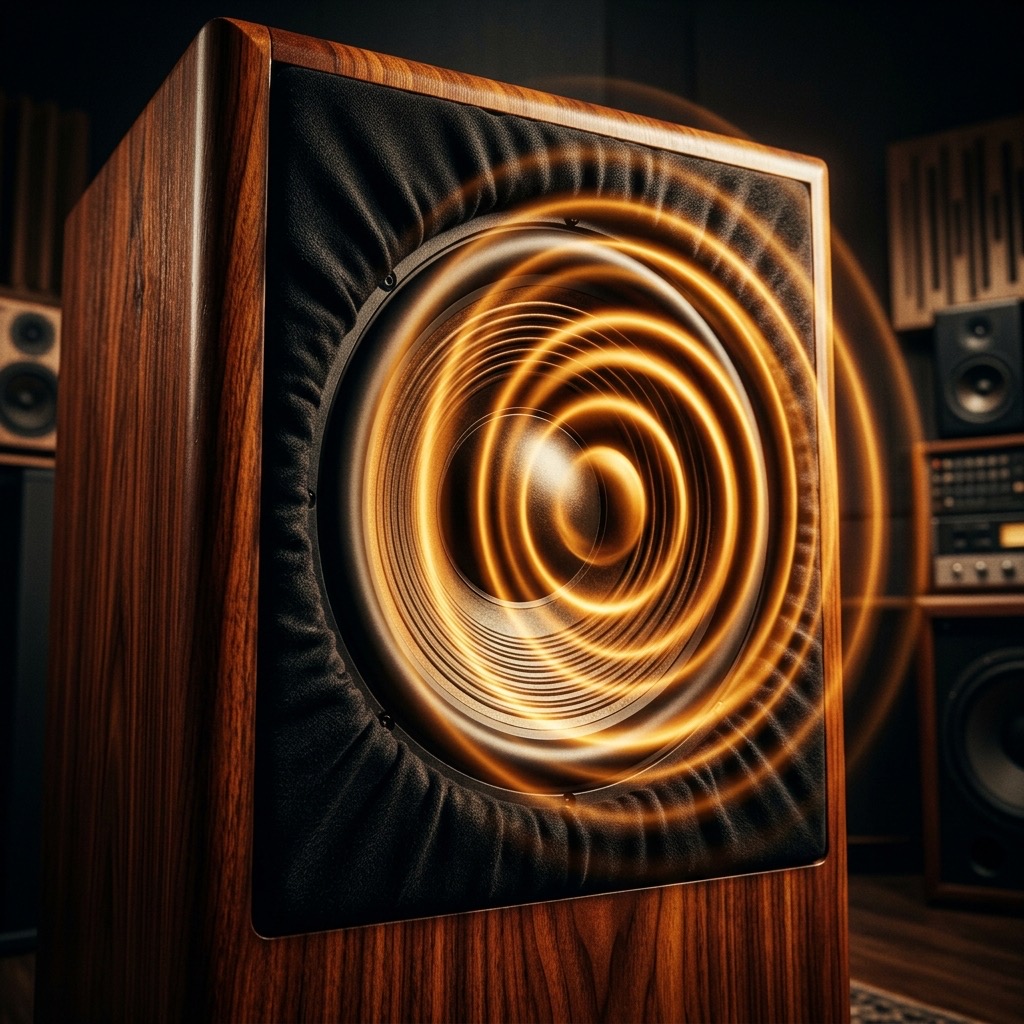
You didn't land on this page by accident. You're either a producer hunting for that perfect sub-layer, a guitarist checking your tuning, or a curious listener exploring the lower end of the auditory spectrum. 196 Hz, the note known as G3, is the musical ground floor for much of modern sound. It’s the note that makes you feel the song in your chest rather than just your ears. This isn't about hearing a sound; it's about *feeling* a vibration. Let's get you dialed in.
Why Your Search Ended Here: Solving the "Muddy Mix" Problem
Most people search for 196 Hz because something sounds off. Perhaps your mix sounds congested, or that bass guitar isn't cutting through the way it should. In the world of acoustics, 196 Hz is the prime suspect in the "muddy zone" of a mix. It sits right at the crossover point where our ears switch from detecting pitch to detecting rhythm. If you're a sound engineer, you need this tone to identify masking issues. If you're a musician, you need it as a reference to ensure your instrument is in tune. This generator gives you a clean, unadulterated reference signal to calibrate your ears, your room, and your equipment against the true fundamental of G3.
Gear Check: Headphones vs. The Big Rig
Before you hit play, let's talk physics. 196 Hz is a low-mid frequency with a wavelength of roughly 1.75 meters. This means your playback system matters enormously.
- The Bare Minimum (Headphones): A decent pair of over-ear studio headphones (like the Sony MDR-7506 or Sennheiser HD 600 series) will reproduce this frequency accurately without disturbing your neighbors. They bypass the room entirely, giving you a pure, direct signal to the eardrum.
- The Ideal Setup (Subwoofer + Monitors): To truly experience the "warmth" and physical press of 196 Hz, you need a full-range system with a subwoofer. A standard 2.5-inch laptop speaker will simply laugh at you and produce a tinny click instead of a tone. If you have a home theater or studio monitors with a dedicated sub, you're in for a treat.
- The Room: If you are using speakers, understand that 196 Hz is highly susceptible to room resonance. Your room's dimensions will create standing waves. If you walk around the room while the tone plays, you'll hear the volume swell and dip. This is normal acoustics, not a glitch in the generator.
Your Step-by-Step Guide to a Perfect G3
Operating this tool is simple, but optimizing your listening experience requires a specific sequence of actions. Follow this order for the best results:
- Select Your Waveform: Start with the Sine Wave. This produces a pure, fundamental frequency with no harmonics, making it the most accurate for tuning and frequency response testing. If you want to hear how the tone interacts with your room or speaker distortion, switch to Square Wave—it adds odd harmonics that will stress-test your system.
- Set the Volume Low: Before pressing the play button, turn your hardware volume to about 25%. This is a safety precaution. Low frequencies can be deceptively quiet on small speakers but thunderously loud on high-end systems.
- Initiate the Tone: Press play. Let it ring out for a few seconds. Do not judge the tone immediately; your ears need a moment to adapt to the low-mid range.
- Adjust for "Sweet Spot": Gradually raise the volume to a comfortable listening level (around 70-80 dB SPL). You should feel the tone in your chest if you have a subwoofer. If you only hear a faint buzz, your speakers are not reproducing the frequency correctly.
- Fine-Tuning: If you are tuning a guitar to drop-D or standard tuning, pluck the G3 string and adjust the tuning peg until the "beating" (the wobbling sound) between your guitar and the generator disappears. That's your zero point.
Practical Applications: Beyond Just "Listening"
This specific frequency is the backbone of many genres. Here is how to put it to work immediately:
- Mixing & EQ Carving: Use this tone to identify "masking." If you have a keyboard and a bass guitar playing simultaneously, solo the 196 Hz band on your EQ. If you can't distinguish the bass line from the keys, you have a frequency collision that needs cutting (usually by removing 196 Hz from the non-bass instrument).
- Room Calibration: Play the 196 Hz tone and walk around your listening position. Note where the bass disappears. That is your "null point." Move your listening chair away from that spot. This is the cheapest room treatment you will ever find.
- Tuning Reference: For cellists, bassists, and guitarists, this is the G below middle C. It is the anchor of the chord progression. Use it to ensure your instrument is not sharp or flat, especially if you are recording multiple takes.
- Meditation & Sound Baths: The G3 note is associated with grounding. Unlike higher frequencies that dissipate quickly, 196 Hz penetrates the body. Use it as a drone for meditation to slow down brainwave activity.
When 196 Hz Fails You: Limitations & Warnings
Let’s be brutally honest about the physics here. If you are playing this on a smartphone or a laptop, you are not hearing 196 Hz. You are hearing the distortion and harmonic artifacts of a speaker cone trying to move air it physically cannot move. The tone will sound "clicky" or "rattly." This is a limitation of the hardware, not the generator.
Warnings: While 196 Hz is not as immediately damaging as high treble, it can still cause fatigue. The "feel" in your chest is your body absorbing energy. Prolonged exposure at high volumes (above 90 dB) can cause physical nausea and headaches. Also, be wary of standing waves in corners—they can amplify the signal up to 10 dB without you realizing the volume is that high. Always keep the volume moderate.
The 196Hz vs. The 220Hz Showdown
It is easy to confuse the lower midrange. The closest neighbor is 220 Hz (A3). The difference is subtle but critical. 220 Hz is the standard tuning reference for orchestras (A440 divided down). It is tighter, more "present," and cuts through a mix with clarity. In contrast, 196 Hz is "woody" and "warm." It has more physical weight but less intelligibility.
If you are mixing a rock track, you want the bass to sit at 196 Hz to give it that round, chesty feel, while the guitar carries the 220 Hz presence. If you play the two tones back-to-back, you will notice that 196 Hz feels like it is behind you, while 220 Hz feels like it is right in front of your face. Knowing this distinction is the difference between a professional mix and an amateur one.
Troubleshooting Your Tone: The FAQ
1. "I hear a pulsing or wobbling sound. Is the generator broken?"
No. That is called "beating." If you are playing an instrument simultaneously, you are slightly out of tune. Even if you aren't, you might be hearing the interaction between the 196 Hz tone and the 60 Hz electrical hum from your power supply, creating a third-order intermodulation distortion. Turn off any dimmer switches or fluorescent lights in the room.
2. "The sound is extremely quiet, but my volume is maxed out."
This is the "small speaker" problem. Your cone cannot displace enough air to create pressure at this wavelength. You have two options: Use headphones (even earbuds are better than laptop speakers) or use a dedicated subwoofer. Do not crank the software volume to 200% to compensate—this will clip the audio and create square waves that can damage your tweeters.
3. "Why does the tone change pitch when I move my head?"
You are experiencing the Haas Effect and room comb filtering. The sound is bouncing off your desk and walls, arriving at your ears at different times. The phase cancellation is making the frequency appear to shift up and down. This is a clear indication that your room needs acoustic panels. For now, keep your head perfectly still or switch to headphones to eliminate the issue entirely.
196 Hz: G3 Reference Tone
196 Hz corresponds to the musical note G3 (G). This precise reference tone is used by musicians, instrument makers, audio engineers, and music students worldwide for accurate tuning and pitch calibration.
Uses for the G3 Reference Tone
- Instrument Tuning: Tune guitars, violins, pianos, woodwinds, brass, and other instruments to exact pitch.
- Ear Training: Develop perfect or relative pitch by repeatedly listening to and identifying this specific frequency.
- Audio Calibration: Verify your speakers, headphones, or studio monitors reproduce 196 Hz accurately.
- Music Production: Use as a reference oscillator when designing synth patches or testing signal chains.
Technical Details
196 Hz is generated as a pure sine wave with no harmonics or overtones, making it ideal as a clean reference signal for musical and technical audio applications.
Play G3 Free Online
Use our free online tone generator to instantly play 196 Hz in your browser. No plugins or downloads required. Perfect for quick tuning sessions anywhere.