The 392 Hz Tone Generator: Unlocking the Midrange Clarity of G4
You didn't land on this page by accident. You're either a mixing engineer chasing vocal intelligibility, a musician tuning a section, or a sound therapist probing the acoustic sweet spot of human perception. 392 Hz isn't just a random number on a dial; it’s the beating heart of the G4 note—a frequency that sits precisely in the critical band where our ears are most sensitive and our brains are wired to decode speech. Let’s cut through the noise and get you generating this specific tone with surgical precision.
Why This Frequency? The "Vocal Presence" Problem Solver
The search for 392 Hz usually stems from one specific frustration: muddy mixes or inaudible dialogue. While low-end rumble (50-100 Hz) gives music weight, and high-end sparkle (8-12 kHz) gives air, the 392 Hz region is where the "body" of the human voice lives. In telephony, the classic narrowband codec (300 Hz to 3.4 kHz) heavily emphasizes this zone. If your audio lacks energy here, vocals sound thin and distant. If it has too much, you get a "honky" or "boxy" timbre. This generator lets you isolate that exact frequency to test room acoustics, tune speaker crossovers, or simply to experience the fundamental pitch of G4—the note that anchors countless pop melodies and orchestral passages.
Gear Check: What You Need Before Hitting Play
Unlike sub-bass frequencies that demand massive subwoofers to feel, 392 Hz is remarkably democratic. However, your playback system dictates what you'll actually hear.
- Headphones (Recommended): Closed-back studio monitors or even decent earbuds will reproduce 392 Hz accurately. This is your best bet for a pure, isolated listening test without room interference.
- Studio Monitors: Any standard 2-way speaker with a 5-inch woofer or larger will handle this easily. It is the heart of the midrange, so expect it to be loud and clear.
- Smartphone Speakers: Yes, they will play it, but beware of distortion at higher volumes. The tiny drivers often resonate around 1 kHz, so 392 Hz might sound quieter than it actually is.
- Subwoofers: Do not route this to your sub. It is too high for sub duty and too low for tweeters. You want this coming from the main drivers.
Step-by-Step: Dialing in 392 Hz Like a Pro
Operating this tool is intuitive, but for acoustic testing, precision matters. Here is the workflow to get a clean, usable tone.
- Set the Waveform: Start with a Sine wave. This produces a pure tone with no harmonics, allowing you to hear the exact fundamental frequency without distortion or overtones. Use Square wave only if you are testing distortion or want a harsh, buzzy reference for audio equipment stress tests.
- Input the Frequency: Type 392 into the frequency field. Double-check that the unit is set to Hz, not kHz.
- Volume Fade-In: Set your system volume to 50%. Press play, then slowly raise the generator's volume slider. 392 Hz is in the sensitive speech band; a sudden blast can cause a painful "jump scare" response due to the ear's natural amplification of this range.
- Reference Check: If you have a piano or a tuning app, play a G4 note. The tone you hear from the generator should be an exact, unwavering match.
Best Applications: Where This Tone Delivers Results
This is not a meditation drone. This is a working frequency. Here is where 392 Hz shines.
- Mixing Vocals: Apply a narrow EQ cut or boost at 392 Hz to fix "telephone" coloration or add body to a thin-sounding lead vocal. Use the tone to train your ear to recognize where the "chest voice" transitions to "head voice."
- Room Mode Analysis: While lower frequencies are prone to standing waves, 392 Hz can still create comb filtering in small, untreated rooms. Play the tone and walk around the room. If the volume fluctuates wildly, you have a reflection issue at this frequency.
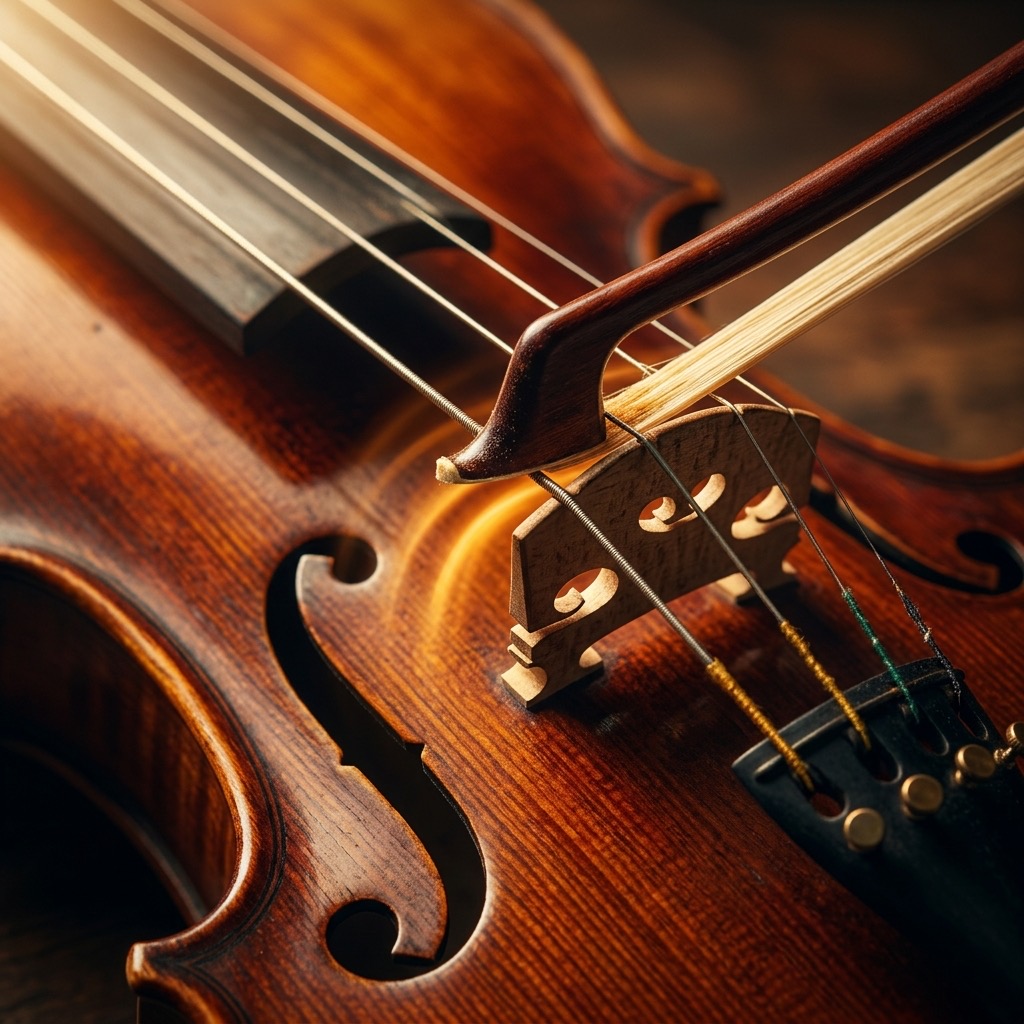
- Instrument Tuning: The G string on a guitar is 196 Hz (an octave lower). This tone is the perfect reference for tuning a violin's D string or a viola's G string.
- Audio Codec Testing: Because this sits in the telephone band, play this tone through a VoIP system or a Bluetooth codec to check for artifacts, clipping, or compression smearing.
Limitations & Warnings: When 392 Hz Fails
You cannot force this frequency to do what it isn't designed to do. Here is the reality check:
- Bass Response: If you are trying to feel a physical thump in your chest, you are at the wrong frequency. 392 Hz is heard, not felt. It lacks the pressure waves of 40 Hz.
- Laptop Speakers: Many ultra-thin laptops have terrible response at this frequency due to the lack of a bass port. The tone may sound weak or "papery" even though it is correct.
- Hearing Fatigue: The human ear is highly sensitive here. Listening to a pure sine wave at high volumes for extended periods will cause fatigue faster than listening to low bass. Keep the volume low if you are using it for extended ear training.
392 Hz vs. 440 Hz: A Tale of Two Anchors
The most common comparison is against the standard tuning pitch (A4 at 440 Hz). Here is the breakdown:
- 392 Hz (G4): Sits lower in the midrange. It feels grounded, warm, and "chesty." It is the dominant of the C major scale, creating a sense of tension that resolves downward. It is the zone of fundamental speech power.
- 440 Hz (A4): Slightly brighter, more piercing, and carries more "presence" in the 2-4 kHz harmonic range. It is the reference point for tuning, but it is less about body and more about clarity and definition.
If 392 Hz sounds "boring" to you, switch to 440 Hz. You will instantly notice the pitch is higher, but more importantly, the *character* shifts from a warm hum to a sharper ring.
Common Troubleshooting: Getting the Perfect Tone
Here are the three most frequent issues users hit with this specific frequency, and how to solve them instantly.
Issue #1: The tone sounds "warbly" or "pulsing."
This is a classic beat frequency artifact. You likely have another audio source (like a keyboard or another browser tab) playing a G4 that is slightly out of tune (e.g., 391 Hz). The interference creates a slow, rhythmic volume swell. Fix: Pause all other audio sources and ensure your sample rate is set to 44.1 kHz or higher to avoid clocking drift.
Issue #2: The tone disappears when I move my head.
If you are using studio monitors, you are likely sitting in a "null" point where the sound waves from the left and right speaker cancel each other out at the listening position. Fix: Move your head a few inches left or right, or switch to headphones to bypass the room acoustics entirely.
Issue #3: The sound is harsh and hurts my ears at low volume.
You are likely using a Square wave or Sawtooth wave, which contain odd harmonics that are harsh. Fix: Switch the waveform to Sine. If it still hurts, you may have hyperacusis (sensitivity) in the 2-4 kHz range, which is stimulated by the harmonics of 392 Hz. Lower the volume until it is comfortable.
392 Hz: G4 Reference Tone
392 Hz corresponds to the musical note G4 (G). This precise reference tone is used by musicians, instrument makers, audio engineers, and music students worldwide for accurate tuning and pitch calibration.
Uses for the G4 Reference Tone
- Instrument Tuning: Tune guitars, violins, pianos, woodwinds, brass, and other instruments to exact pitch.
- Ear Training: Develop perfect or relative pitch by repeatedly listening to and identifying this specific frequency.
- Audio Calibration: Verify your speakers, headphones, or studio monitors reproduce 392 Hz accurately.
- Music Production: Use as a reference oscillator when designing synth patches or testing signal chains.
Technical Details
392 Hz is generated as a pure sine wave with no harmonics or overtones, making it ideal as a clean reference signal for musical and technical audio applications.
Play G4 Free Online
Use our free online tone generator to instantly play 392 Hz in your browser. No plugins or downloads required. Perfect for quick tuning sessions anywhere.