The 440 Hz Tone Generator: Your Precision Tool for the Global Standard of Musical Pitch
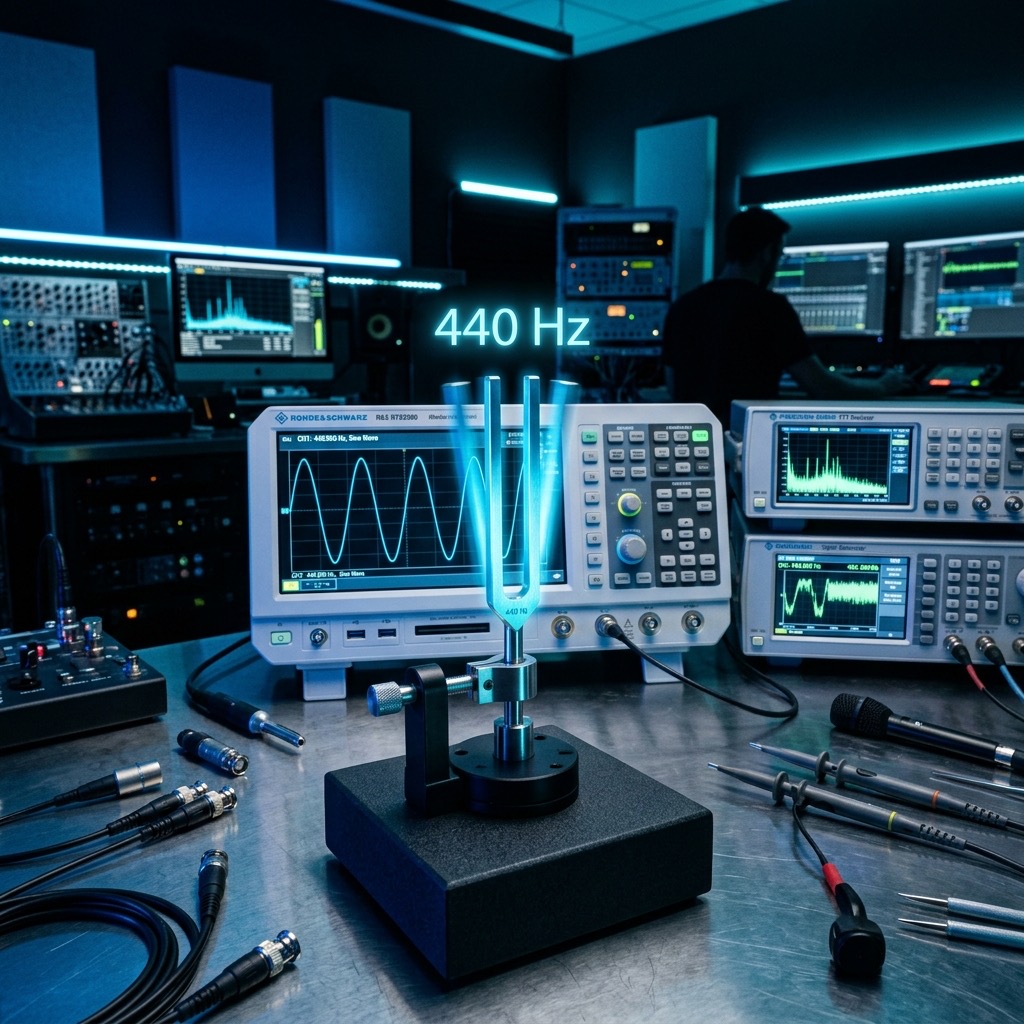
If you’ve landed on this page, you’re likely not looking for a random sound. You need a specific reference point—the exact sonic fingerprint that anchors orchestras, recording studios, and radio broadcasts worldwide. The 440 Hz frequency is the "Concert A" (A4), the agreed-upon tuning standard that ensures a piano in Berlin and a guitar in Los Angeles can play together in perfect harmony. This isn't just a number; it's the zero point on the musical ruler. Here, we’ll explore how to wield this specific sine wave to tune instruments, calibrate audio systems, and even test the human voice's most critical range.
Why This Specific Tone? Solving the Chaos of Musical Anarchy
Before 1955, tuning was a mess. Orchestras tuned to whatever pitch the oboist decided, often ranging from 435 Hz to 445 Hz. This created logistical nightmares for touring musicians and fixed-pitch instruments like pianos. The International Organization for Standardization (ISO) stepped in and declared 440 Hz as the ultimate reference for A4. The problem this solves is standardization. When you press play on this tool, you are aligning yourself with a global treaty of sound.
Practically, if you are a violinist, a trumpet player, or a vocalist, your instrument is designed to resonate optimally when A is tuned to 440 Hz. Playing against this tone allows you to adjust your embouchure, bow pressure, or vocal cord tension to slot perfectly into the ensemble. Without this specific frequency, your instrument will sound flat or sharp relative to the rest of the world. It is the anchor that prevents the "drift" that plagues string sections in humid weather.
Auditory Setup & Prerequisites: Matching Your Gear to the Midrange
Here is the good news: 440 Hz is not a bass test. You do not need a subwoofer or a massive PA system to hear this tone effectively. This frequency sits squarely in the heart of the human vocal range and the telephone band. Because of this, your playback device is rarely a limitation.
- Headphones (Recommended): Closed-back studio headphones are ideal. They isolate the tone from room reflections, allowing you to hear the pure sine wave without phase cancellation artifacts from your room's standing waves.
- Smartphone Speakers: Surprisingly effective. Since 440 Hz is well within the 200 Hz–2 kHz "presence" range, even the tiny speaker in your phone can reproduce this pitch with adequate fidelity for tuning purposes.
- Studio Monitors: Any near-field monitor will handle this with ease. You do not need a subwoofer; in fact, engaging a subwoofer might muddy the clarity of the pitch.
- What to avoid: Do not attempt to play this through Bluetooth headphones if you are tuning a guitar. The Bluetooth codec introduces latency, but more importantly, some codecs apply a "sweetening" EQ that can shift the perceived center frequency. Wired is always better for precision.
Step-by-Step Operation: Dialing in the Perfect A4
Operating this generator is simple, but a few specific adjustments will maximize its utility for your task. Follow this sequence for the best results:
- Set the Waveform to Sine: This is critical. A sine wave contains only the fundamental frequency (440 Hz) with zero harmonics. A square wave or sawtooth wave adds overtones that can confuse your ear and make it difficult to discern beats during tuning. Click the Sine option.
- Adjust the Volume: Set the volume to a moderate level (around 60-70%). You want the tone to be audible but not blaring. If you are tuning a loud acoustic instrument, you may need to increase the volume to compete with the instrument's resonance, but start low.
- Press Play: Hit the start button. You should hear a clean, pure "A." Let it ring for a moment to internalize the pitch.
- Toggle for Comparison: If you are tuning a guitar, play your A string and listen for the "wah-wah" beat frequency. Adjust your tuning peg until the beats slow down and stop entirely. For a quick A/B test, use the pause button to stop the tone, play your instrument, then resume the tone to compare.
Best Applications & Results: Beyond Simple Tuning
While tuning is the primary use case, this specific frequency has other professional applications due to its location in the speech intelligibility spectrum.
- Vocal Warm-Ups: Singers use A440 to check their "mix" and placement. It sits right at the top of the average male speaking range and the bottom of the female high register. Practicing scales from this note ensures your voice is projecting in the most efficient, least strained part of your range.
- Audio System Calibration (Midrange Focus): If you are setting up a PA system for a conference, 440 Hz is your go-to for checking the "clarity" band. If this tone sounds muddy or muffled, your system will fail to deliver intelligible speech. Use it to adjust your mid-range EQ to ensure vocals cut through the mix.
- Telephone Line Testing: The telephone band is typically 300 Hz to 3.4 kHz. 440 Hz sits comfortably in the middle, making it an excellent test tone for checking the quality of a telecom system. You can verify that a line is open and passing audio without harsh distortion.
- Physics Demonstrations: Use it to calculate the speed of sound in a room with a microphone and an oscilloscope, or to demonstrate resonance in a tube.
Limitations & Warnings: When 440 Hz Fails You
This frequency is not a universal cure-all. There are specific situations where using 440 Hz will be ineffective or even counterproductive.
- It will not test your bass response: If you are trying to evaluate a subwoofer, stop. 440 Hz is over four octaves above the deep bass region. You will get zero information about how your system handles low-end pressure.
- It cannot fix a dead room: In a highly reverberant room, the 440 Hz tone will create standing waves that make the pitch sound "warbly" or uneven. You cannot use this tone to accurately tune an instrument in a tiled bathroom; the reverb will mask the beat frequencies.
- Hearing Fatigue: Although 440 Hz is not harsh, listening to it at high volumes for extended periods will cause ear fatigue. Your ears will begin to perceive the pitch as slightly flat or sharp after a few minutes of exposure. Take breaks. If it hurts, turn it down immediately.
440 Hz vs. 432 Hz: The "Conspiracy" vs. The Standard
You will inevitably wonder about the comparison to 432 Hz, the infamous "alternative" tuning. Here is the acoustic reality: 432 Hz is a lower pitch, sitting about 32 cents (roughly a third of a semitone) flat compared to 440 Hz. This difference is imperceptible to the untrained ear as a "different note" but is noticeable as a slight "darkness" or "relaxation" in the sound.
From an acoustic engineering standpoint, 440 Hz is objectively superior for ensemble playing because it offers a brighter, more present sound that cuts through orchestral textures. The 432 Hz argument is based on numerology and subjective perception, not acoustics. If you are tuning to a backing track or playing with others, always use 440 Hz. If you are meditating alone, 432 Hz might feel "warmer" to you, but for practical music production, 440 Hz is the only choice that guarantees compatibility. The lower frequency of 432 Hz also puts it slightly outside the optimal "presence" band, making it less effective for speech clarity tests.
Common Troubleshooting & FAQ: Solving the Friction
Even with a simple tool, users encounter specific hiccups. Here are the three most common issues and their fixes:
1. "The tone sounds 'wobbly' or 'beating' even when my instrument is silent."
This is not a problem with the generator. You are hearing acoustic interference from a second source in the room. A computer fan, a fluorescent light hum, or even a hard drive spinning at a resonant frequency can create a beat pattern. Turn off other electronics or use headphones to eliminate the room's ambient noise.
2. "My guitar tuner says I'm at 440 Hz, but it sounds out of tune with this tone."
This occurs because your tuner is picking up the fundamental, but your ear is hearing the inharmonicity of the string. Pluck the string softer. A hard pluck introduces a sharp overtone (a "chiff") that your ear focuses on, making the pitch seem sharp even when the fundamental is correct. Use a lighter touch when comparing.
3. "I can't hear the tone at all on my laptop."
The volume is likely not the issue. Check your system's audio mixer. If you have "Audio Enhancements" enabled (common on Windows), the system might be applying a noise gate that cuts off the sine wave because it is too "clean." Disable audio enhancements in your sound settings, or switch your output from the internal speakers to a Bluetooth device and back again to reset the driver.
The Standard of Modern Music: 440 Hz
440 Hz, also known as A4 or A440, is the musical note A above middle C and serves as the general tuning standard for musical pitch. It was standardized by the International Organization for Standardization (ISO) in 1955 as ISO 16.
Historical Context
Before the standardization of 440 Hz, tuning varied widely across different regions and time periods. The adoption of 440 Hz allowed for a unified pitch standard, enabling musicians from different parts of the world to play together in harmony.
Practical Applications
- Instrument Tuning: This is the reference pitch used to tune pianos, violins, guitars, and orchestras worldwide.
- Audio Equipment Calibration: Audio engineers use 440 Hz sine waves to calibrate equipment and test signal paths.
- Ear Training: Musicians use this tone to develop relative pitch and ensure their instruments are in tune.
Whether you are a professional musician or an audio enthusiast, 440 Hz is the essential reference point for all things musical.