The 480 Hz Tone Generator: Precision Tuning for Vocal Clarity and Historical Pitch
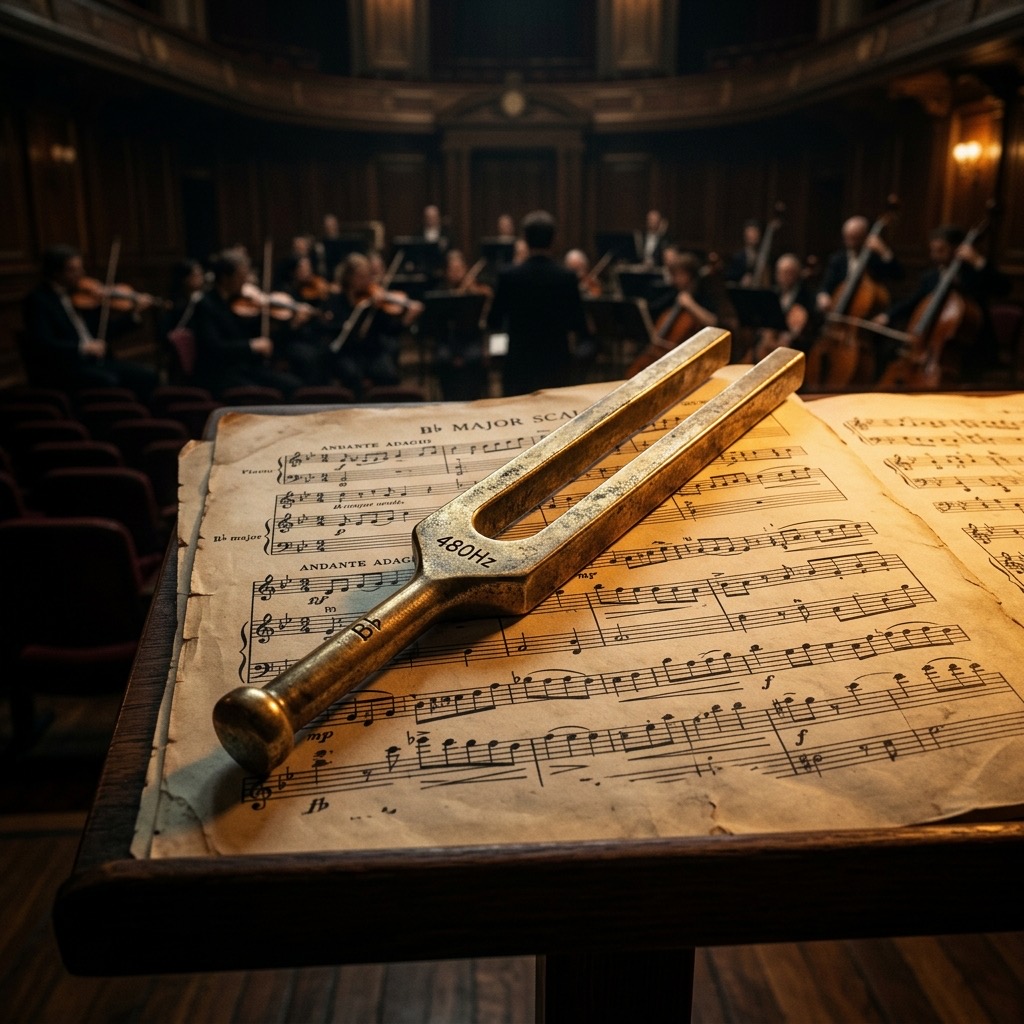
If you’ve landed on this page, you’re likely not just browsing random frequencies. You’re here because you need 480 Hz specifically. This is a fascinating spot on the spectrum—a pitch that sits just above the modern standard but carries significant weight in both acoustic physics and musical history. Whether you're a luthier calibrating a vintage instrument, a sound engineer cleaning up a mix, or a researcher studying auditory perception, this guide is your technical manual for getting the most out of this specific tone.
Why 480 Hz Matters: Solving the "Muddy Midrange" Problem
The most common reason you’ve searched for 480 Hz is to address a clarity deficit. In modern audio, the "presence" region (roughly 4 kHz–6 kHz) gets all the credit for intelligibility, but the upper midrange—where 480 Hz lives—is the foundation of that clarity. This frequency is the critical boundary where the fundamental frequencies of the human voice (typically 85 Hz–255 Hz) end and the harmonic richness that defines consonant articulation begins.
If you are dealing with a mix that sounds "boxy" or "honky," you are likely dealing with an excess of energy around 300–500 Hz. Conversely, if you are trying to restore presence to a vocal that sounds thin and distant, 480 Hz is the surgical tool you need. It is the exact frequency that bridges the chest voice and the mask (the resonant space in the face), making it indispensable for dialogue editing, podcast mastering, and acoustic instrument tuning.
Essential Gear: What You Need to Hear 480 Hz Correctly
Unlike sub-bass frequencies that demand massive subwoofers or high treble that requires specialized tweeters, 480 Hz is remarkably democratic. However, to truly work with this frequency, your playback system must be accurate in the midrange. Here is the breakdown:
- Studio Monitors or Hi-Fi Headphones (Non-Negotiable): You need a flat response. Consumer earbuds often have a "V-shaped" EQ curve that scoops out exactly this frequency range. If you are using 480 Hz for critical tuning, use open-back headphones or near-field monitors with a neutral midrange.
- Amplification: Any standard amplifier will handle this frequency effortlessly. It is not power-hungry like 40 Hz, but you do need enough headroom to avoid clipping when the tone is mixed with other audio.
- Audio Interface (Optional but Recommended): If you are sending this tone into a DAW for acoustic testing, ensure your interface has a flat frequency response. Avoid using the built-in sound card on a laptop, as these often have aggressive "loudness" filters that distort the midrange.
Warning: Do not use a phone speaker for this test. While the phone will produce the tone, the tiny driver physically cannot reproduce the harmonic distortion that makes 480 Hz useful for tuning. You will hear a buzzing artifact rather than a pure sine wave.
Operating the Generator: A Step-by-Step Calibration Guide
Using the tone generator for 480 Hz is straightforward, but precision is key. Follow this sequence to avoid common errors:
- Set the Waveform to "Sine": First, select the sine wave. This is critical. A square wave at 480 Hz will produce odd-order harmonics (1440 Hz, 2400 Hz) that will mask the fundamental pitch you are trying to isolate. A pure sine wave ensures you are only hearing the exact frequency.
- Lower the Volume to 50%: Before pressing play, set the output volume to about half. The 480 Hz range is where human hearing is most sensitive (equal-loudness contours show we are most sensitive around 1 kHz, but 480 Hz is close), so it will sound louder than a 100 Hz tone at the same setting.
- Press Play and A/B Test: Play the tone for 2 seconds, then stop. This "pulsed" method prevents ear fatigue. If you are tuning an instrument, use a strobe tuner app simultaneously to verify the pitch. If you are EQing a mix, play the tone and then solo the vocal track to compare the "honk" factor.
- Adjust Gain for Mixing: If you are using this to identify problem frequencies in a mix, set the tone generator to the same volume as your mix bus. Then, sweep a narrow EQ boost (Q factor of 5 or higher) at 480 Hz. If the tone suddenly "pops" out of the mix, you have found your problem area.
Real-World Applications: Where 480 Hz Shines
This frequency is not just for tech specs; it has profound practical uses. Here is where you will see the most significant results:
- Vocal Intelligibility in Post-Production: If you are restoring dialogue from a room with poor acoustics, a slight boost at 480 Hz will add "weight" to the voice without making it boomy. This is the "telephone band" trick—the classic telephone system (300 Hz–3.4 kHz) relies heavily on this region to make speech understandable over limited bandwidth.
- Historical Tuning (Baroque & Classical): While many orchestras tune to A4 = 440 Hz, historically, some French and German orchestras used A4 = 480 Hz (sometimes called "Chorton" pitch). If you are restoring a period instrument or recording early music, this tone is your reference for that brighter, more intense sound.
- Speaker Cross-over Alignment: In a two-way speaker, the crossover point often sits between 2 kHz and 3 kHz. However, 480 Hz is the "midbass" pivot point. Playing this tone helps you detect phase cancellation between your woofer and midrange driver. If the tone sounds thin or hollow, your drivers are out of phase.
- The "Presence" Boost for Guitars: An electric guitar's midrange "snarl" lives here. If you are mixing a rock track and the guitar gets buried by the bass, a cut at 480 Hz will actually make the guitar clearer by removing masking.
Limitations & Safety: When 480 Hz Will Fail You
No frequency is a universal cure, and 480 Hz has specific blind spots. Be aware of these limitations:
- It Will Not Fix Sub-Bass Issues: If your problem is "mud" from 80–120 Hz, 480 Hz is useless. You are working in the wrong octave. This tone only addresses the upper midrange.
- Ear Fatigue: Because the human ear is highly sensitive to this region, prolonged exposure at high volume (above 85 dB) will cause rapid fatigue. You will start to perceive the tone as "wobbling" or "pulsing" even though it is steady. This is your cochlea tiring, not a generator issue.
- Small Speakers (Laptops, Phones): While they can produce the frequency, they cannot produce it cleanly. The harmonic distortion from a small driver will add 960 Hz and 1440 Hz artifacts, making the tone sound like a "buzz" rather than a pure pitch. This makes it impossible to do accurate tuning.
- Hearing Damage: Do not use this tone to "test" your hearing at high volumes. 480 Hz is in the most sensitive range of human hearing; a volume that sounds "moderate" can actually be causing permanent damage. Keep the volume low enough that you can comfortably have a conversation.
480 Hz vs. 440 Hz vs. 500 Hz: The Critical Differences
You might be wondering why you should choose 480 Hz over the standard A4 (440 Hz) or the round number 500 Hz. The difference is not just mathematical—it is perceptual.
- 480 Hz vs. 440 Hz: This is a 1.5 semitone difference (roughly 150 cents). 480 Hz sounds noticeably "brighter" and more "tense" than 440 Hz. If you are tuning a piano, using 480 Hz will make the instrument sound sharper and more aggressive. For historical music, this is correct; for modern pop, it will sound out of tune.
- 480 Hz vs. 500 Hz: The 20 Hz difference here is subtle but crucial for EQ work. 500 Hz is often cited as the "mud" frequency for kick drums and male vocals. 480 Hz is slightly lower and more musical. If you cut 500 Hz, you might thin out the vocal; if you cut 480 Hz, you preserve the body while removing the "boxiness." In mixing, always prefer 480 Hz for vocals and 500 Hz for drums.
- The "Beat Frequency" Effect: If you play 480 Hz in one ear and 440 Hz in the other, you will perceive a 40 Hz "beat" (pulsing) effect. This is a binaural beat used in some meditation practices, but it is a sign that you are using the frequency incorrectly if you are trying to isolate a single pitch.
Common Troubleshooting & FAQ
Here are the three most frequent issues users encounter when working with this specific tone:
1. "The tone sounds like it is 'warbling' or fluctuating in volume."
This is almost always acoustic interference. If you are using speakers, the sound waves are bouncing off the walls and creating standing waves. Move your head six inches in any direction—if the pitch changes, it is a room mode. Fix: Use headphones, or move the speakers away from corners. If you are using headphones and still hear this, it is ear fatigue; take a 5-minute break.
2. "I am tuning my guitar to 480 Hz, but the tuner app says it is 481 Hz."
You are experiencing inharmonicity. The string's tension and stiffness cause the overtones to be slightly sharp. The fundamental is correct, but the analyzer is picking up the 2nd harmonic. Fix: Play the string softer. If you pluck hard, the harmonic content spikes. Use a gentle pluck and a slow attack.
3. "The tone sounds fine, but when I record it, it sounds muffled."
This is a sample rate or bit-depth issue. If you are recording at 44.1 kHz with a 16-bit depth, you will get quantization distortion that dulls the midrange. Fix: Record at 24-bit/48 kHz. Also, check your microphone's proximity effect—if you are close-micing a source, the bass will be boosted, making 480 Hz seem recessed. Move the mic back 12 inches.
480 Hz: B4 Reference Tone
480 Hz corresponds to the musical note B4 (B). This precise reference tone is used by musicians, instrument makers, audio engineers, and music students worldwide for accurate tuning and pitch calibration.
Uses for the B4 Reference Tone
- Instrument Tuning: Tune guitars, violins, pianos, woodwinds, brass, and other instruments to exact pitch.
- Ear Training: Develop perfect or relative pitch by repeatedly listening to and identifying this specific frequency.
- Audio Calibration: Verify your speakers, headphones, or studio monitors reproduce 480 Hz accurately.
- Music Production: Use as a reference oscillator when designing synth patches or testing signal chains.
Technical Details
480 Hz is generated as a pure sine wave with no harmonics or overtones, making it ideal as a clean reference signal for musical and technical audio applications.
Play B4 Free Online
Use our free online tone generator to instantly play 480 Hz in your browser. No plugins or downloads required. Perfect for quick tuning sessions anywhere.