The 493 Hz Tone Generator: Unlocking the Sonic Sweet Spot of Human Speech
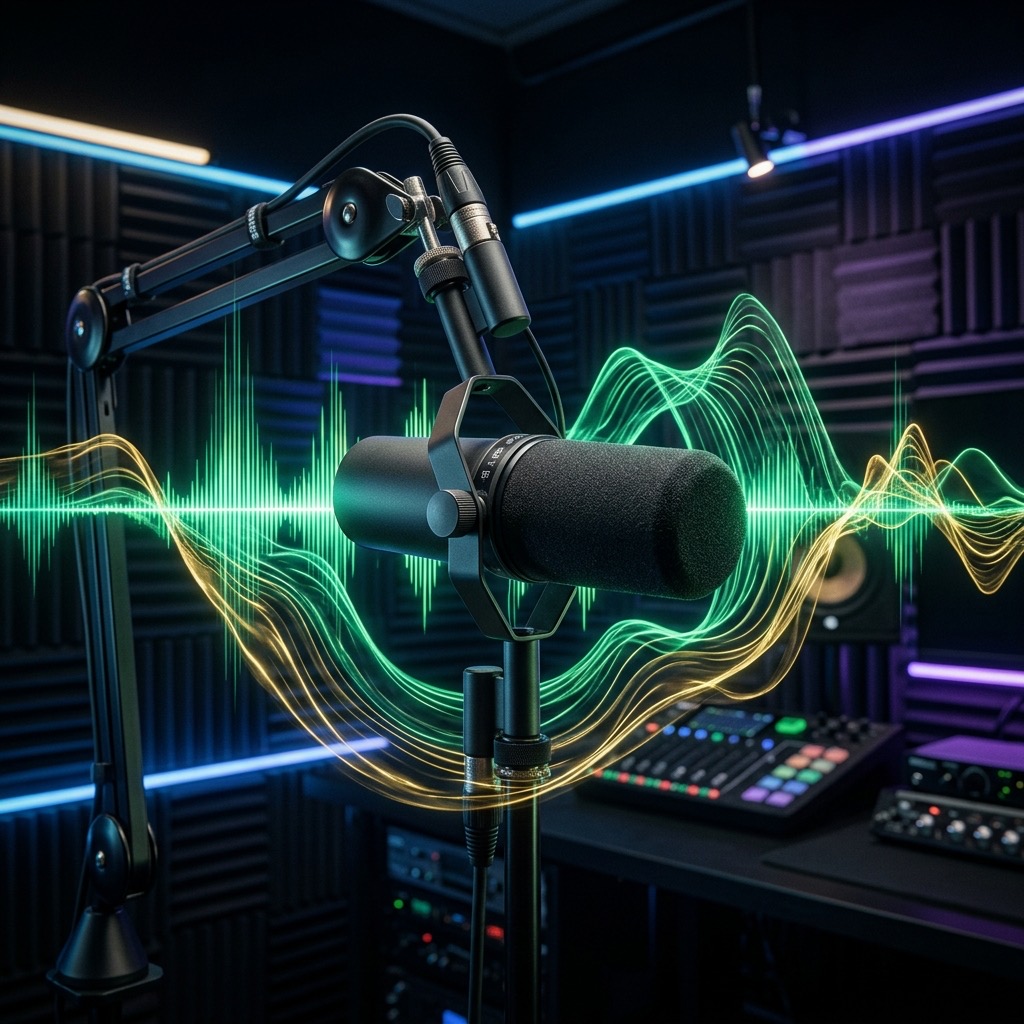
Most people searching for a specific frequency are looking for a meditation aid or a bass test tone. 493 Hz is neither of those. This is the frequency of B4, the leading tone that creates musical tension and resolution. But in the acoustic world, its true power lies elsewhere: it is the beating heart of the human voice. If you are here, you likely have a specific, practical goal—audio mixing, sound therapy for vocal resonance, or testing a communication system. Let’s cut through the noise and get you to the precise utility of this midrange workhorse.
Why 493 Hz? Solving the "Muddy Mix" and "Thin Voice" Dilemma
When you search for 493 Hz, you are usually trying to solve a specific problem: clarity. In a full mix, this is the frequency that determines whether a vocal sits on top of the track or gets buried underneath the guitars and keyboards. For sound therapists, this is the frequency that interacts directly with the chest and throat resonators, bypassing the sub-bass rumble that smaller speakers can't reproduce. Unlike the hyped sub-bass frequencies (like 40 Hz) that are felt, 493 Hz is heard. It is the critical band where the human ear is most sensitive, ensuring that any energy you put into this tone is perceived with maximum efficiency.
Essential Gear: Why Your Phone Speaker Might Be Enough (For Once)
Here is the beautiful irony of 493 Hz: you do not need a $2,000 subwoofer to hear it properly. Because this frequency sits squarely in the telephone band (300 Hz – 3.4 kHz), it is reproduced accurately by almost any transducer.
- Headphones (Recommended): Closed-back studio headphones are ideal for isolating the tone and checking for resonances in your own voice. Even cheap earbuds will handle this frequency without distortion.
- Studio Monitors: A pair of 5-inch monitors will reproduce this frequency with flat response, making it perfect for critical listening.
- Laptop Speakers: Yes, they will work. However, the tiny drivers may add a slight "honk" to the sound, so do not use them for precise audio calibration.
- Subwoofers: Completely unnecessary. In fact, most subwoofers roll off above 100 Hz, so they will be silent during this test.
Operating the Generator: A Step-by-Step Guide for Precision Tuning
To get the most out of this tool, you need to understand the interaction between the waveform and the volume. Here is the exact protocol I recommend:
- Select the Sine Wave: Start with a pure sine wave. This gives you a clean, fundamental tone with zero harmonic distortion. It is the only way to hear the true pitch of 493 Hz without overtone masking.
- Set the Volume to 50%: Do not max out the volume. Because the ear is hypersensitive at this frequency, a moderate level (around 70-75 dB SPL) will sound surprisingly loud. Start low and creep up.
- Engage the Tone: Press play and listen for the "beating" effect. If you are using this for vocal work, hum a B4 note (or play it on a piano) and adjust the generator until you hear zero "wobble" or phasing—that is perfect pitch matching.
- Switch to Square Wave (For Mixing Only): If you are testing audio equipment, switch to the square wave. This adds odd-order harmonics, which will immediately reveal harshness or distortion in your speakers that the sine wave hides.
Practical Applications: From Vocal Mixing to Voice Therapy
This is not a "chill out" frequency; it is a working frequency. Here is how to leverage it:
- Vocal Resonance Therapy: If you are a voice coach or singer, play this tone and attempt to sing the note. The goal is to feel the "mask" vibration in your cheekbones. If you feel it in your throat only, you are straining. This tone helps train the forward placement of the voice.
- Audio Mixing (The "Presence" Check): Solo the vocals in your DAW. Play the 493 Hz tone alongside your vocal track. If the generator tone masks the vocal's intelligibility, you have a build-up of "chestiness" in your vocal. Cut 3-6 dB at this frequency to restore clarity.
- Speaker Placement: Play this tone and walk around your room. If the volume dips significantly in certain spots, you have a standing wave cancellation issue. Move your speakers or your listening position to smooth out the response.
Limitations: When 493 Hz Fails You
This frequency is not a magic bullet. It has distinct limitations that you must respect to avoid frustration:
- It will not produce "bass" or "sub-bass" sensations: You will not feel this in your chest. If you are looking for a physical vibration, you need to be at 60 Hz or lower. 493 Hz is a mental and auditory experience, not a tactile one.
- It cannot mask high-frequency hearing damage: If you have hearing loss above 4 kHz, this tone will not help you perceive "air" in your mix. It only addresses the mid-band.
- Prolonged exposure at high volume is fatiguing: Because the ear is so sensitive to this band, listening at high volumes for extended periods will cause listener fatigue much faster than listening to bass. Keep sessions short.
493 Hz vs. 440 Hz: The Battle for Your Auditory Cortex
The most common comparison is with 440 Hz (A4), the standard tuning pitch. Here is the critical difference: 440 Hz is the reference point; 493 Hz is the energy point. 440 Hz is perceived as a calm, neutral tone used for tuning instruments. In contrast, 493 Hz (B4) sits a major second higher. This interval creates a sense of expectation and tension. In a psychoacoustic context, 493 Hz is more aggressive and present, while 440 Hz is more passive. If you are mixing, boosting 440 Hz adds warmth, but boosting 493 Hz adds intelligibility. Choose 493 Hz when you need the sound to "punch through" the noise floor of a busy environment.
Troubleshooting: Why You Aren't Hearing the Tone
If you hit play and hear silence, or if it sounds wrong, here are the three most common issues I see in my practice:
- Problem: The tone is completely inaudible.
Fix: Check your system volume and the browser tab volume. Also, ensure you have not accidentally selected a frequency like 20 Hz. If you are using external speakers, check that the volume knob on the speaker itself is turned up, not just the computer's volume slider. - Problem: The tone sounds "honky" or "nasal" compared to a piano.
Fix: This is usually due to the waveform. A square wave will sound harsh. Switch to a sine wave for a pure pitch. If it still sounds nasal, your room acoustics are coloring the sound—move your head closer to the speaker or put on headphones. - Problem: The tone wavers or beats in and out.
Fix: This is not a generator error. It is an acoustic interference pattern. If you have two speakers playing the same tone, you are experiencing phase cancellation. Move your head side-to-side; you will find a "sweet spot" where the tone is solid. If using headphones, this issue is almost impossible—check for a damaged audio jack.
493 Hz: B4 Reference Tone
493 Hz corresponds to the musical note B4 (B). This precise reference tone is used by musicians, instrument makers, audio engineers, and music students worldwide for accurate tuning and pitch calibration.
Uses for the B4 Reference Tone
- Instrument Tuning: Tune guitars, violins, pianos, woodwinds, brass, and other instruments to exact pitch.
- Ear Training: Develop perfect or relative pitch by repeatedly listening to and identifying this specific frequency.
- Audio Calibration: Verify your speakers, headphones, or studio monitors reproduce 493 Hz accurately.
- Music Production: Use as a reference oscillator when designing synth patches or testing signal chains.
Technical Details
493 Hz is generated as a pure sine wave with no harmonics or overtones, making it ideal as a clean reference signal for musical and technical audio applications.
Play B4 Free Online
Use our free online tone generator to instantly play 493 Hz in your browser. No plugins or downloads required. Perfect for quick tuning sessions anywhere.