The 250 Hz Tone: Your Secret Weapon for Audio Truth and Vocal Clarity
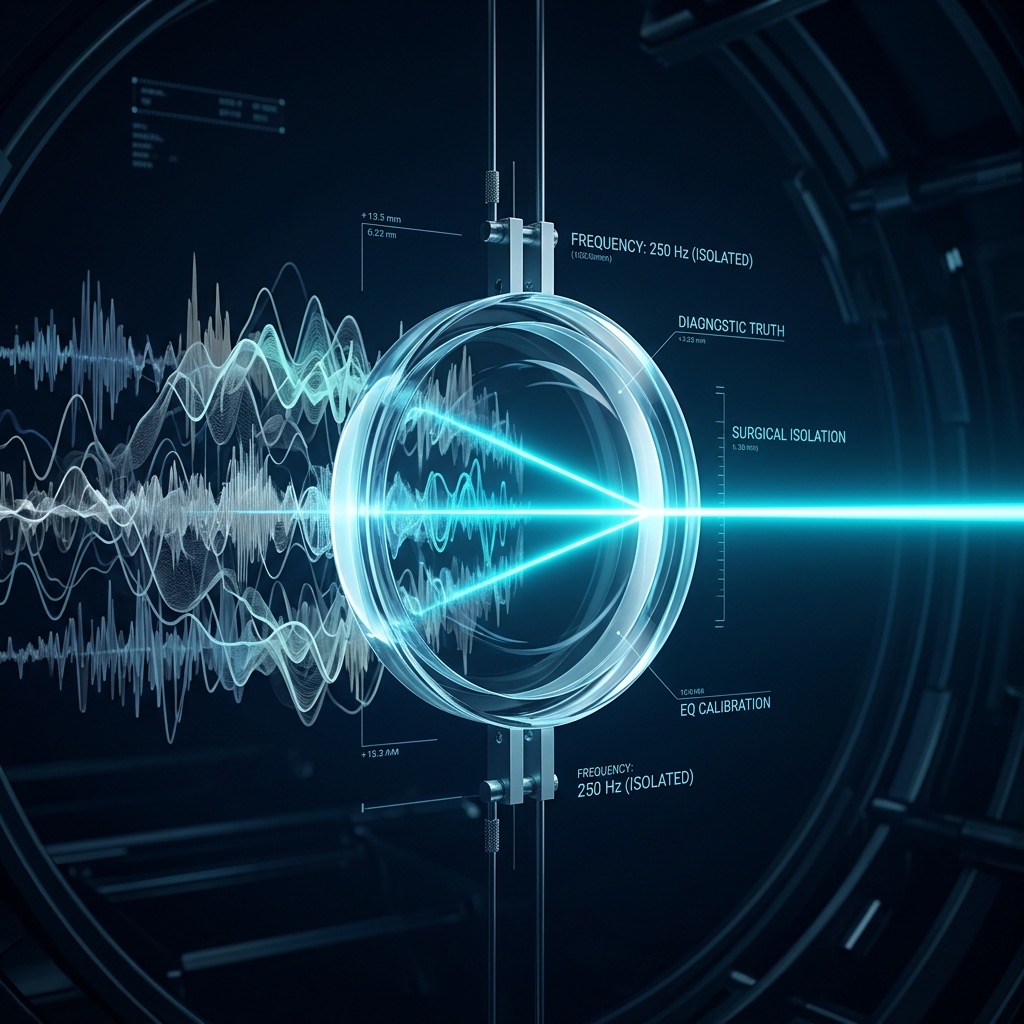
Let's be honest—when most people fire up a tone generator, they gravitate toward the dramatic extremes. They want the chest-rattling 30 Hz sub-bass or the piercing 10 kHz air. But the 250 Hz frequency? That’s where the real work happens. This is the "mud" zone, the "body" zone, and the absolute battleground for audio clarity. If you’ve ever felt like your mixes sound boxy, your podcasts are hard to understand, or your room acoustics are "boomy," you’ve come to the right place. We aren't just generating a beep here; we are surgically isolating the exact frequency band that dictates how human speech and musical fundamentals are perceived.
Why 250 Hz is the Unsung Hero of Audio Diagnostics
You searched for this specific number, and you likely have a specific pain point. Perhaps you’re a podcaster noticing that your voice sounds like you’re talking through a pillow. Or maybe you’re an audiophile who just bought new monitors and they sound "congested." The core problem 250 Hz solves is masking.
This frequency sits right at the transition point between the low-frequency "power" of the bass and the intelligibility of the midrange. When 250 Hz is overemphasized, it creates a "honky" or "nasal" quality that obscures the fundamental frequencies of vowels. When it's underemphasized, audio sounds thin and weak. By isolating this tone, you can calibrate your listening environment or your EQ to ensure that the lower midrange isn't stealing energy from the critical speech band.
Gear Up: What You Need to Hear 250 Hz Properly
Unlike the sub-100 Hz region, 250 Hz is not a physical challenge for your speakers. You don't need a massive subwoofer to reproduce this tone, but you do need a transducer that is accurate in the midrange. Here is the breakdown:
- Headphones (Best for Precision): Closed-back or open-back studio headphones are ideal. They bypass room acoustics entirely, allowing you to hear the pure signal without standing waves muddying the water.
- Bookshelf Speakers (Good): A standard 2-way bookshelf speaker with a 5-inch or 6.5-inch woofer will handle 250 Hz with ease. This is actually a critical frequency for these speakers because it sits right near the crossover point between the woofer and tweeter.
- Laptop/Phone Speakers (Acceptable): Yes, they can play this tone, but be aware that tiny speakers often have a natural dip or bump right around 250 Hz to emulate "fake bass." Use them for general listening, not for critical calibration.
- Audio Interface: If you are using a computer, a dedicated interface or external DAC will yield a cleaner signal than the built-in motherboard jack, which often has high output impedance that can alter the frequency response of your headphones.
Step-by-Step: Dialing in the Perfect 250 Hz Tone
Operating the generator is simple, but mastering the listening session requires a specific sequence. Follow these steps to get the most accurate reading:
- Set the Waveform: Start with a Sine Wave. This produces a pure, fundamental frequency with no harmonics. This is crucial for identifying resonances. A square wave at 250 Hz will contain odd-order harmonics (750 Hz, 1250 Hz) that will distract you from the specific frequency you are testing.
- Adjust the Frequency: Input 250 Hz into the generator. Double-check that you haven't accidentally set it to 2500 Hz—a common typo that shifts you into the upper midrange.
- Set the Volume Low: Before hitting play, set your amplifier or volume knob to about 25% of its maximum. This tone is deceptively loud because the human ear is quite sensitive to the lower midrange.
- Monaural vs. Stereo: If your generator allows, switch to Mono. This ensures you are hearing the frequency response of the system, not the stereo imaging artifacts.
- Sweep Slowly: Once you hear the 250 Hz tone, gently sweep the frequency down to 200 Hz and up to 300 Hz. Notice how the "boxiness" changes. This tells you if your room or speakers have a specific resonant peak in that region.
Real-World Applications: Beyond the "Beep"
This tone isn't just for geeks with oscilloscopes. It has practical, everyday applications that will instantly improve your audio game.
- EQ Calibration for Vocals: If you are mixing a podcast or a vocal track, use this tone to find the "mud" frequency. If your vocal track sounds cloudy, cut a narrow notch (Q factor of 2-3) around 250 Hz and listen to how the clarity of the consonants improves.
- Speaker Placement: Place your studio monitors in a new room. Play the 250 Hz tone and walk around the room. If the volume drastically increases in one corner, you have a standing wave issue. Move your listening position or add bass traps to tame this specific low-mid buildup.
- Telephone Band Testing: The classic telephone band is roughly 300 Hz to 3.4 kHz. 250 Hz is just below that. By playing this tone, you can test how well a system rejects frequencies outside the vocal band. If you are building a communications system, you want this tone to be heavily attenuated.
- Crossover Verification: For DIY speaker builders, this is the sweet spot to test phase alignment. If the woofer and tweeter are out of phase, you will hear a significant dip in volume right around this crossover frequency.
Critical Limitations & Safety Warnings
While 250 Hz is a safe frequency, there are specific scenarios where this tool will fail you or potentially cause harm if misused.
- Room Modes: In a small, untreated room, 250 Hz is highly susceptible to standing waves. You might hear the tone "wobble" or become incredibly loud in one spot and nearly silent in another. This is not a fault of the generator; it is a physics problem. Do not rely on this tone in a square, concrete room without acoustic treatment.
- Ear Fatigue: The lower midrange is where the ear is most sensitive to loudness. Cranking this tone at high volumes can cause rapid fatigue and a sensation of "pressure" in the ear, even though it doesn't feel as piercing as high frequencies. Keep the SPL (Sound Pressure Level) below 85 dB.
- Not a Bass Test: Do not use this to test subwoofers. A subwoofer's job is typically below 80 Hz. Playing 250 Hz through a subwoofer will just produce a weak, directionless hum. You need a full-range driver for this test.
- Phone Speaker Distortion: While phone speakers can produce 250 Hz, they often do so at the edge of their mechanical limits. At high volumes, you will hear harmonic distortion (a buzzing sound) that is not in the original signal, leading you to believe your phone is broken when it is just a physical limitation.
250 Hz vs. 500 Hz: The Battle for "Body" vs. "Honk"
To truly understand 250 Hz, you must compare it to its octave-up cousin, 500 Hz. Here is the quick breakdown:
- 250 Hz (The Chest): This is where the "weight" of the voice lives. It adds warmth and body. Too much of it creates "muddiness" and a lack of definition.
- 500 Hz (The Nasal Cavity): This is where the "honk" lives. It adds aggression and punch. Too much of it sounds harsh, irritating, and "trumpet-like."
If your audio sounds dull and congested, you likely have a buildup at 250 Hz. If it sounds aggressive and annoying, look at 500 Hz. Using the tone generator to flip between these two frequencies allows you to accurately pinpoint which part of the lower midrange is causing your specific issue.
Troubleshooting: Why Your 250 Hz Test Isn't Working
Here are the three most common issues users face when testing this specific tone, and how to fix them immediately.
Issue 1: The tone sounds "warbly" or "pulsing."
This is almost always an acoustic interference issue, not a generator issue. The sound waves are bouncing off your walls and canceling each other out (comb filtering).
Fix: Move your head just a few inches left or right. If the warble disappears, you are sitting in a null zone. Alternatively, switch to high-quality headphones to bypass the room entirely.
Issue 2: The tone is barely audible on my laptop speakers.
Many budget laptops have a high-pass filter built-in to protect the tiny speakers from damage. They might roll off frequencies below 300 Hz significantly.
Fix: This is a hardware limitation. Plug in any external speaker or headphones. If you must use the laptop speaker, increase the volume, but expect a weak response—it is not a fault of the tone.
Issue 3: I hear two different tones at once.
If you are using a "Square" or "Sawtooth" waveform, you are hearing harmonics. A square wave at 250 Hz also produces a tone at 750 Hz, which your brain interprets as a higher pitch.
Fix: Switch the waveform to Sine. This is the only way to guarantee you are hearing the pure 250 Hz frequency without overtone contamination.
250 Hz Pure Tone Generator
250 Hz is a precise audio frequency in the mid frequency range. Our online tone generator produces a pure 250 Hz sine wave that you can play instantly in your browser for free.
Uses for a 250 Hz Tone
- Audio Testing: Verify that your speakers, headphones, or amplifier reproduce 250 Hz accurately.
- Acoustic Research: Use 250 Hz as a controlled stimulus for room acoustics analysis and measurement.
- Sound Design: Use as a reference or building block in music production and sound design workflows.
- Calibration: Calibrate audio equipment, signal processors, and measurement tools at 250 Hz.
Technical Details
This generator produces a mathematically pure 250 Hz sine wave. A sine wave is the simplest waveform, containing only the fundamental frequency with no harmonics. This makes it the ideal signal for precision audio testing, calibration, and measurement.
Play 250 Hz Free Online
No downloads, no plugins, no sign-up required. Generate a precise 250 Hz tone instantly in your browser and use it for audio testing, sound design, and acoustic research.