The 70 Hz Tone: Your Precision Tool for Bass Punch & Audio System Truth
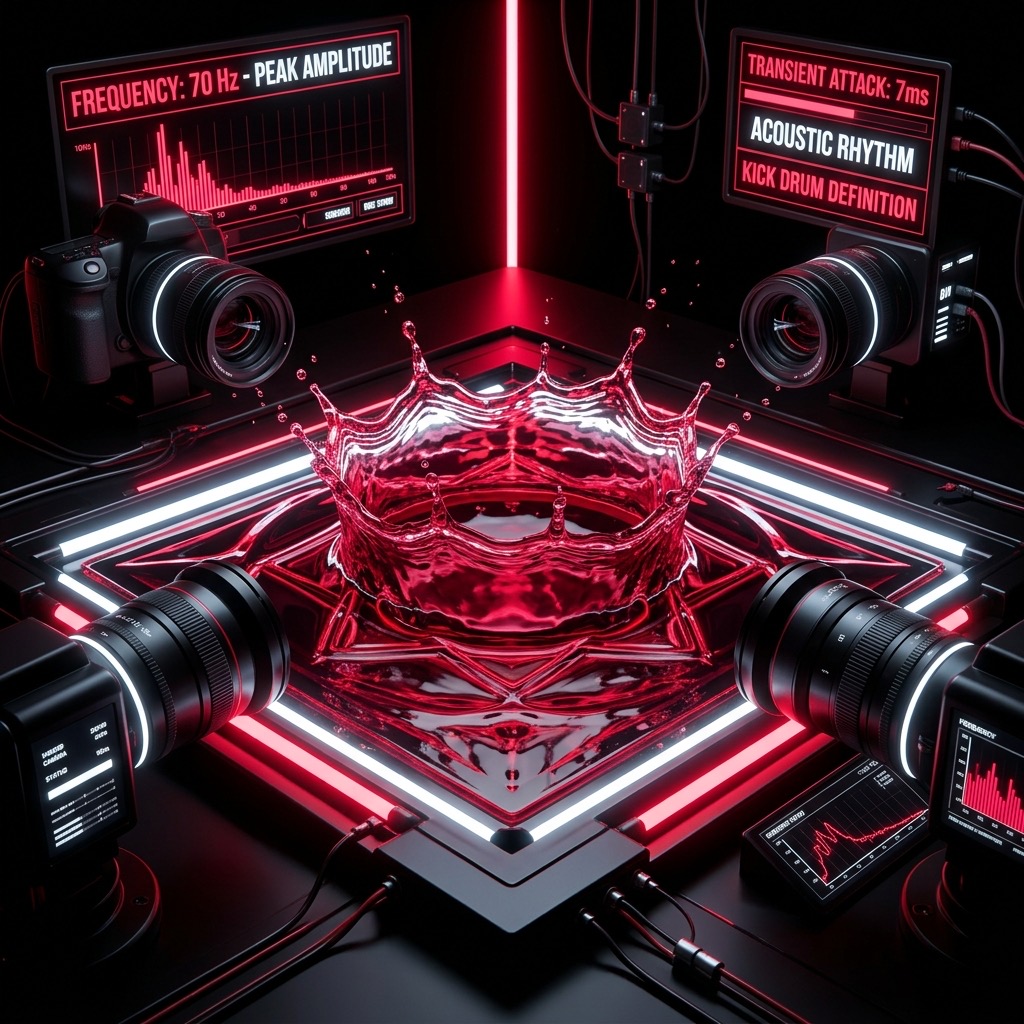
Let’s be honest: when you search for a specific frequency like 70 Hz, you aren't just looking for a random hum. You are on a mission. You are either chasing a mix that lacks definition, testing the structural integrity of a new subwoofer, or trying to understand why a room feels "boomy" yet hollow. 70 Hz sits in a fascinating no-man's land—it is low enough to be felt in your chest, yet high enough to carry crucial harmonic information that defines musical key and rhythm. This is the frequency of the "thump" in a kick drum, the weight of a baritone sax, and the low E on a standard-tuned bass guitar. Let's cut the fluff and get into how to use this specific tone to solve real acoustic problems.
Why 70 Hz is the Unsung Hero of Bass Definition
Most people chase 40 Hz or 50 Hz to feel the "quake," but that is where sound becomes mud and pressure. 70 Hz is where pitch perception and physical impact finally merge. If your system struggles here, it will struggle everywhere. This frequency is the bridge between the sub-bass region (where you feel the air move) and the mid-bass (where you actually hear the note). When you play a pure 70 Hz sine wave, you are isolating the exact point where a bass guitar's fundamental note lives. A search for this tool usually means you are fighting one of three battles:
- Muddy mixing: You need to check if your low-end is flabby or if it has that tight, punchy attack.
- Room modes: You are trying to locate standing waves that are making bass sound uneven across your listening space.
- Driver break-in: You are exercising a new subwoofer to loosen the suspension without causing mechanical damage.
Unlike 20 Hz (which is mostly a "pressure" sensation) or 100 Hz (which is moving into "warmth" and boxiness), 70 Hz is the critical zone for groove and timing. If this frequency is not clean, your music loses its rhythmic drive.
Gear Check: What You Need to Hear the Punch
Here is where most people fail. The frequency is only as good as the transducer pushing the air. Do not reach for your laptop speakers—they are high-passed at around 150-200 Hz to protect themselves, meaning they will either produce nothing or a pathetic, rattling ghost of the tone.
For precise testing (Mixing/Production): Use full-size, open-back studio headphones with a flat frequency response down to at least 50 Hz (e.g., Sennheiser HD600 series or Audeze). This removes the room from the equation, allowing you to hear the pure electrical signal.
For system verification (Home Theater/Car Audio): You need a subwoofer with a dedicated crossover. A standard bookshelf speaker will roll off before 70 Hz, giving you a false negative. Ensure your sub's crossover is set to 80 Hz or higher, and the volume is set to your typical listening level.
The Golden Rule: If you are using a phone or a cheap Bluetooth speaker, stop reading and close the tab. You will not hear 70 Hz accurately; you will hear distortion. You need a driver that is physically large enough to move significant air volume without breaking a sweat.
Step-by-Step: Dialing in the Perfect 70 Hz Tone
Using the generator is simple, but doing it correctly takes discipline. Follow this sequence to avoid damaging your gear or fooling your ears.
- Set the Waveform to Sine: Do not use the square wave for testing. A sine wave is a single, pure frequency. A square wave contains odd-order harmonics (210 Hz, 350 Hz) that will mask the true nature of your bass response. Select Sine.
- Set the Volume to 0%: Before you press play, turn the generator volume all the way down. Then, press play.
- Slowly Raise the Level: Increase the volume gradually. Stop when the tone is comfortably audible but not shaking the walls. You are listening for clarity, not volume. If you hear a "wobble" or the sound seems to pulse in and out, you are overdriving the source or exciting a room resonance.
- Walk the Room (For Speaker Systems): Keep the tone playing and walk around the room. Keep your head at ear level. You will notice the volume changes drastically. This is not the speaker failing; this is the 70 Hz wavelength (approx. 16 feet long) creating peaks and nulls in your room.
- Listen for the "Click": A well-reproduced 70 Hz tone should have a distinct attack. It should sound like a short thump with a tail, not a continuous drone. If it sounds like a "honk," you have a resonance issue.
Real-World Applications: From Mixing to Meditation
This frequency isn't just for audiophiles nerding out on gear. It has practical, measurable uses.
- Kick Drum Mixing: In a mix, the kick drum's fundamental often sits between 50-60 Hz, but its "click" and punch are in the 1-4 kHz range. 70 Hz is the perfect spot to check the body of the kick. If you boost 70 Hz excessively, you get a "cardboard box" sound. Use the tone to train your ear to identify where the kick's weight sits so you can EQ it correctly.
- Subwoofer Phase Alignment: If you have two subs, play the 70 Hz tone and invert the phase on one sub. Move the sub until the tone sounds loudest and most defined. This ensures they are working together, not canceling each other out.
- Listening Fatigue Reduction: For long listening sessions, a muddy 70 Hz region causes ear fatigue. By using the generator to identify and cut problematic room resonances (via EQ), you can listen for hours without feeling exhausted.
- Tuning Instruments: Some alternative rock and metal bands tune down to Drop A or Drop G. The lowest string on a 7-string guitar is often tuned to A1 (55 Hz), but the second harmonic is 110 Hz. However, if you are playing a 5-string bass, the low B is 30.87 Hz. 70 Hz is the perfect reference to check the timbre of your upper bass strings (A and D), ensuring they aren't sounding too "tubby."
Critical Limits: When 70 Hz Fails You
This tone is not a magic bullet. There are distinct scenarios where using it will lead you down the wrong path.
- Room Size Matters: In a small room (e.g., 10x10 feet), the 70 Hz wavelength is roughly half the room's length. This will cause massive standing wave nulls. You might sit in a "dead zone" where the tone almost disappears, leading you to believe your sub is broken. Move your head a few inches, and it comes back. Do not adjust your EQ based on one sitting position.
- Hearing Damage Risk: While 70 Hz is lower than the painful high frequencies, it is still dangerous. At high volumes, this frequency can cause physical pressure on your eardrum and inner ear fluid. It can induce dizziness and vertigo. Keep the volume at a level where you can hold a conversation over the tone.
- It Won't Test Sub-Bass Extension: If you are trying to see if your system can reproduce the deepest synth drops (20-30 Hz), 70 Hz is useless. It will sound strong even on mediocre subs that roll off steeply below 40 Hz. For that test, you need a 30 Hz tone.
70 Hz vs. 60 Hz vs. 80 Hz: The Crossover Conundrum
Choosing between these three is a classic audio dilemma. Here is the breakdown based on physics and perception:
- 70 Hz vs. 60 Hz: 60 Hz is the standard for electrical hum (in the US), so it often triggers a "buzzy" association. More importantly, 60 Hz is noticeably lower in pitch. If you play a bass line, 60 Hz is where you feel the "weight" in your gut. 70 Hz is slightly tighter and more defined. If your music sounds "flabby" at 60 Hz, try 70 Hz—it often restores the pitch definition without the boom.
- 70 Hz vs. 80 Hz: 80 Hz is the THX standard for home theater crossovers. It is the point where sound becomes directional. At 80 Hz, you can start to localize where the bass is coming from. 70 Hz is the safer choice for music listening because it allows for a smoother transition between the sub and the main speakers, hiding the sub's location better. If you find 80 Hz sounds "honky" or nasal, step down to 70 Hz.
The Verdict: 70 Hz is the "Goldilocks" zone for music. It provides the tactile sensation of bass but retains the harmonic clarity needed to distinguish a bass guitar note from a kick drum. It is the frequency of rhythm, not just rumble.
Troubleshooting: Fixing the "Phantom" 70 Hz Problem
Here are the three most common complaints we see when users fire up this specific tone, and how to fix them immediately.
Issue 1: "The tone sounds like it's pulsing or beating."
This is a classic room mode interaction. The 70 Hz wave is bouncing off your walls and interacting with the direct sound from the speaker. You are hearing constructive and destructive interference (a "standing wave").
Fix: Do not use headphones. Move the subwoofer to a different corner or move your listening chair. Even moving 12 inches can eliminate the "beat." If it persists on headphones, you have a driver issue—check if the cone is rubbing or if there is a loose wire.
Issue 2: "I hear the tone, but it's very quiet and weak."
If you are using a standard soundbar or small 2.1 computer speakers, they are likely high-passed at 80 Hz to prevent distortion. They physically cannot produce 70 Hz at any meaningful volume.
Fix: Check your speaker specifications. If the frequency response says "80 Hz - 20 kHz," you are out of luck. You need a dedicated subwoofer. Alternatively, check your audio software (like Windows Sonic) for a "Bass Boost" or "Enhancement" that might be cutting frequencies.
Issue 3: "The tone hurts my ears even at low volume."
This is unusual for 70 Hz, but it happens when the sine wave is perfectly clean. Your brain is not used to hearing a single, unmodulated frequency. It can cause a sensation of "pressure" or "fullness" in the ear.
Fix: Switch the waveform to Triangle for a few seconds to add some harmonics, then switch back. If the pain persists, you may have hyperacusis (sound sensitivity). Stop immediately and consult an audiologist. Do not push through the pain.
Use this generator wisely. 70 Hz is a surgical tool—use it to diagnose, not to "feel the bass." Your ears and your speakers will thank you.
70 Hz Subwoofer and Bass Test Tone
A 70 Hz test tone sits in the bass range between 40-80 Hz, where kick drums and bass guitar fundamentals live. It is heard as deep, warm bass with strong physical impact. Use this tone to evaluate the low-frequency performance of your subwoofer, woofer, or bass-capable speakers.
What 70 Hz Reveals About Your Audio System
- Subwoofer Extension: Tests how deep your subwoofer reaches without distortion or roll-off at 70 Hz.
- Room Acoustics: Reveals standing waves, bass buildup, and room modes that affect low-frequency performance.
- Crossover Accuracy: Helps verify your subwoofer crossover is set correctly relative to your main speakers.
- Amplifier Headroom: Tests whether your amplifier delivers clean power at 70 Hz under load.
How to Run This Bass Test
Play the 70 Hz tone at moderate volume. Listen for distortion, rattle, port noise, or uneven output. Adjust subwoofer level, crossover frequency, and room positioning accordingly. For precision, pair with an SPL meter or room correction software.
Play 70 Hz Bass Test Tone Free Online
Generate a pure 70 Hz sine wave instantly in your browser. No software needed. Use it anytime to quickly assess your bass performance.