80 Hz: The Unsung Hero of Your Subwoofer Crossover
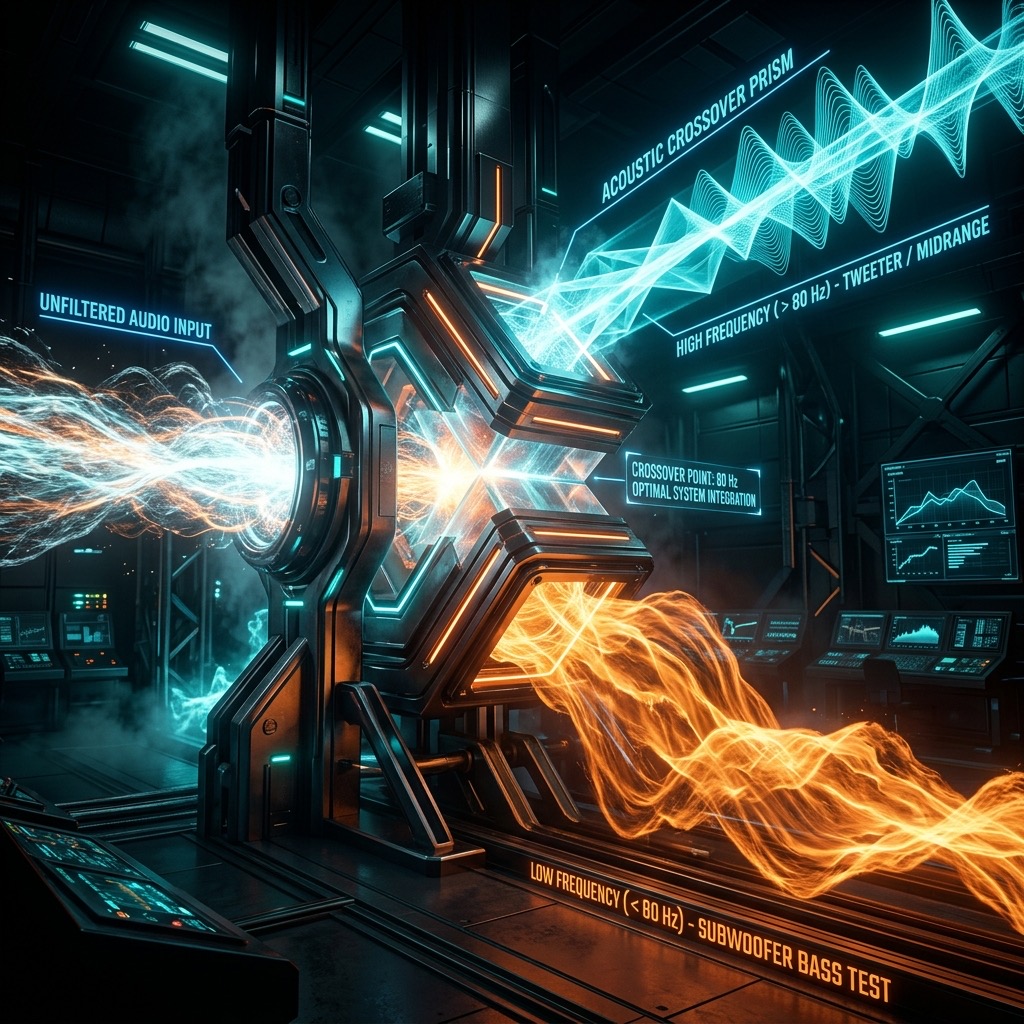
If you've landed here, you're likely not just fiddling with knobs for fun—you're chasing a specific sonic goal. You're probably trying to solve the eternal puzzle of making your bass feel both powerful and precise, without that muddy, boomy mess that ruins a good track. The 80 Hz tone isn't just a random number on a dial; it's the architectural keystone of modern audio reproduction. It’s the frequency where the directional sound of your main speakers hands off the baton to the omnidirectional pressure of your subwoofer. Listening to this specific tone isn't about hearing a "beep"—it's about feeling the physical shift in your room's air pressure and ensuring your system doesn't trip over its own feet during that transition.
Why 80 Hz is the "Goldilocks" Zone for Bass Integration
Most people search for this frequency because they've read a manual, watched a YouTube setup video, or used a room correction system that defaults to this number. But the real problem 80 Hz solves is localization. Your ears are brilliant at pinpointing the direction of midrange frequencies (think 200 Hz and up), but they struggle with frequencies below about 100 Hz. By setting a crossover at 80 Hz, we ensure that the deep, pressure-inducing bass comes from a subwoofer you can place anywhere in the room, while the critical mid-bass and vocals remain locked to the soundstage coming from your front speakers. It eliminates the "singing subwoofer" effect where you can tell the bass is coming from a box in the corner. It’s the bridge between physical impact and spatial accuracy.
Gear Check: What You Need to Actually Hear 80 Hz
Here’s the honest truth: 80 Hz is a demanding frequency. It sits right at the edge of what small drivers can produce with authority.
- The Subwoofer Route (Recommended): To truly evaluate the warmth and pressure of this tone, you need a dedicated subwoofer or large floor-standing speakers with at least an 8-inch woofer. A 10-inch or 12-inch driver will move enough air to pressurize a typical living room.
- The Headphone Route: If you're using headphones, you need over-ear, closed-back or open-back models with a flat frequency response. Standard earbuds or AirPods will produce a weak, thin approximation of 80 Hz. You won't feel the "chest thump," but you can still check for driver distortion.
- Phone Speakers—A Warning: If you're trying this on a smartphone speaker, you will be disappointed. The tiny drivers physically cannot move enough air to reproduce 80 Hz at a usable volume. It will sound like a faint, rattling knock rather than a bass note.
Dialing It In: A Step-by-Step Guide to Using the Generator
Don't just hit play and blast it. The goal here is precision, not volume. Follow this sequence to get the most accurate reading from your system.
- Set the Waveform: Start with a Sine Wave. This produces a pure, single-frequency tone without harmonics. It’s the only way to accurately judge the room's response without the distortion of square waves muddying the water.
- Volume Ramp-Up: Start with your system volume at 10%. Play the tone and slowly increase the volume. You are listening for two things: a smooth, continuous hum and the absence of rattling (from your furniture or driver ports).
- The "Walking" Test: Once the tone is audible, walk around the room. You will notice the volume of the 80 Hz tone changes dramatically as you move. This is called "standing waves" or "room modes." You are not looking for the loudest spot; you are looking for the most even spot—usually your main listening position.
- Switch to Square Wave: After calibrating with the sine wave, switch to a square wave for a quick A/B test. This adds odd-order harmonics (240 Hz, 400 Hz, etc.). If your system struggles with the square wave, it indicates a driver is being pushed too hard and is "breaking up."
Real-World Applications: Beyond the Test Tone
This isn't just for calibrating a home theater. The 80 Hz tone is a powerful diagnostic and creative tool.
- Subwoofer Phase Alignment: Play the 80 Hz tone and listen to your main speakers with the subwoofer off. Note the volume. Now turn the subwoofer on and flip its phase switch (0° vs. 180°). The correct setting is the one where the bass sounds louder and more defined at your listening seat. If it sounds weaker, the drivers are fighting each other.
- Room Resonance Hunting: 80 Hz is a prime suspect for "boomy" rooms. If this tone sounds excessively loud or "honky" compared to 70 Hz and 90 Hz, you have a severe room mode. This tells you that you need acoustic panels (bass traps) in the corners, not a new amplifier.
- Musical Reference: In music, 80 Hz is the fundamental frequency for the lowest notes on a standard 4-string bass guitar (low E is ~41 Hz, but the A string at 110 Hz... wait, actually 80 Hz is close to the "E" on the 5th fret of the E string). More importantly, it's the root of the "chest punch" in modern hip-hop and EDM. Use it to check if your system can deliver that tactile kick without distortion.
When 80 Hz Fails: Limitations You Must Respect
Let’s be brutally honest about physics. This tone will not work in every scenario.
- Small Bluetooth Speakers: As mentioned, they simply cannot reproduce this. You will hear a click or a buzz, not a tone. Don't judge your music library based on this test on a portable speaker.
- Hearing Limitations: While 80 Hz is within the human hearing range (20 Hz – 20 kHz), many adults over 40 have reduced sensitivity in the low-mid bass region due to natural presbycusis. If you can't hear it clearly, don't crank it up to compensate—you'll just damage the drivers.
- Volume Danger: Do not run this tone at maximum volume for extended periods. While it’s not as immediately harsh as 3 kHz (which can cause instant ear fatigue), high SPL (Sound Pressure Level) at 80 Hz can cause physical fatigue and long-term hearing damage because it feels like "pressure" rather than "loudness." Your ears won't hurt, but your cochlea is still taking a beating.
80 Hz vs. 60 Hz vs. 100 Hz: The Crossover Conundrum
How does this frequency stack up against its neighbors?
- 80 Hz vs. 60 Hz: 60 Hz is deeper, more about "slam" and tactile response. It’s typically used for large, high-end towers that can handle more bass themselves. The problem with 60 Hz is that it’s much harder to localize, and most rooms have terrible response down there. 80 Hz is safer and tighter.
- 80 Hz vs. 100 Hz: 100 Hz is where things get "muddy." At 100 Hz, the wavelength is short enough that your ears start to detect directionality. If you cross over at 100 Hz, you risk hearing exactly where the subwoofer is located, ruining the illusion. 80 Hz is the perfect compromise—it’s deep enough to be non-directional, yet high enough to relieve the subwoofer of trying to play frequencies that require massive excursion.
Common Troubleshooting: Why Does It Sound Weird?
Issue: The tone sounds "warbling" or "pulsing."
This is a classic sign of acoustic interference. The sound wave is bouncing off your walls and canceling out the direct wave from the speaker. Fix: Move your head two feet forward or backward. If the warble stops, you're sitting in a "null" zone. Move your listening position or your subwoofer.
Issue: I hear a mechanical rattle.
This isn't the speaker driver; it's the room. The 80 Hz wave is vibrating a loose lightbulb, a picture frame, or a piece of metal on your desk. Fix: Walk around the room with the tone playing and place your hand on surfaces to isolate the rattle. Tighten the fixture or place a felt pad under it.
Issue: The tone is barely audible on my laptop speakers.
This is expected. Laptop speakers are tuned for voice (1 kHz – 4 kHz). Fix: You cannot fix this with software. You must use external speakers or headphones. If you are using wired headphones and still can't hear it, check your audio settings for a "Bass Boost" or "Enhancements" tab and disable it—these effects often filter out or distort pure test tones.
80 Hz Subwoofer and Bass Test Tone
A 80 Hz test tone sits in the bass range between 40-80 Hz, where kick drums and bass guitar fundamentals live. It is heard as deep, warm bass with strong physical impact. Use this tone to evaluate the low-frequency performance of your subwoofer, woofer, or bass-capable speakers.
What 80 Hz Reveals About Your Audio System
- Subwoofer Extension: Tests how deep your subwoofer reaches without distortion or roll-off at 80 Hz.
- Room Acoustics: Reveals standing waves, bass buildup, and room modes that affect low-frequency performance.
- Crossover Accuracy: Helps verify your subwoofer crossover is set correctly relative to your main speakers.
- Amplifier Headroom: Tests whether your amplifier delivers clean power at 80 Hz under load.
How to Run This Bass Test
Play the 80 Hz tone at moderate volume. Listen for distortion, rattle, port noise, or uneven output. Adjust subwoofer level, crossover frequency, and room positioning accordingly. For precision, pair with an SPL meter or room correction software.
Play 80 Hz Bass Test Tone Free Online
Generate a pure 80 Hz sine wave instantly in your browser. No software needed. Use it anytime to quickly assess your bass performance.