The 330 Hz Tone Generator: Your Precision Tool for Midrange Audio Mastery
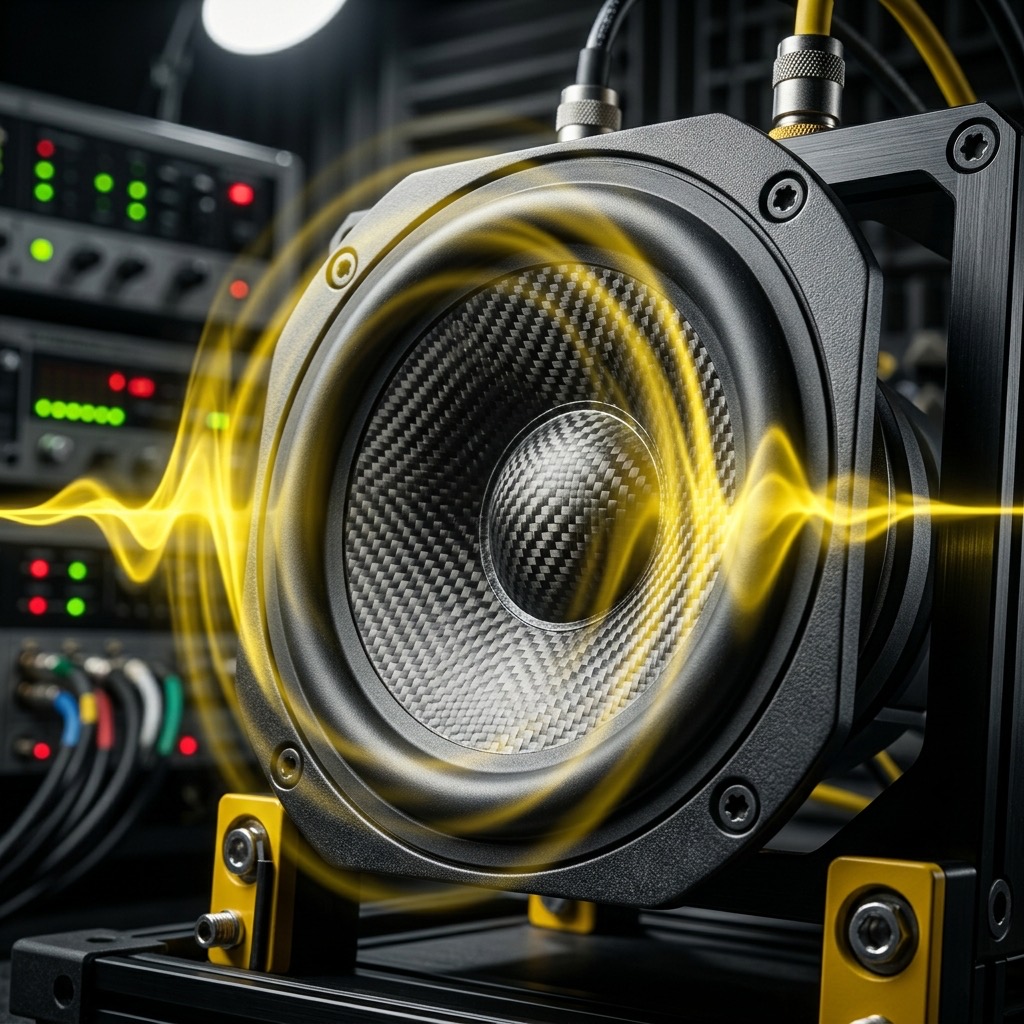
You didn't land on this page by accident. You're chasing a specific frequency—330 Hz (E4)—the heartbeat of the midrange. This isn't a sub-bass rumble or an airy high shimmer; it's the critical zone where human perception is most acute. If you're here to test speaker crossover behavior, measure room reflections, or simply explore the acoustic character of this note, you've come to the right place. Let's get down to the physics, the practicalities, and the sonic secrets of 330 Hz.
Why This Frequency? The Midrange Conundrum
Most audio enthusiasts obsess over the low end. But the true test of a speaker system lies in the midrange, and 330 Hz sits right in the epicenter of that battlefield. This is the frequency band where the human ear is most sensitive to distortion and frequency response anomalies. If you're searching for this tone, you're likely dealing with one of three specific problems: a muddy mix, a boomy room, or a speaker that's "shouting" at you.
330 Hz falls squarely within the telephone band (300 Hz – 3.4 kHz), which means it's fundamental to speech intelligibility. But unlike the lower 300 Hz, 330 Hz is high enough to avoid the "boxy" buildup of room modes in small spaces, yet low enough to stress the woofer's upper range and the tweeter's lower range simultaneously. It's the ultimate boundary frequency. If your system has a crossover point near here, you'll hear phase issues and comb filtering immediately. This tone is your diagnostic scalpel.
Your Listening Arsenal: Gear That Matters
Don't ruin the experiment with bad gear. For 330 Hz, you have a unique advantage: this frequency is not demanding on your equipment, but it is demanding on your setup. Here’s what you need:
- Full-Range Monitors or Hi-Fi Speakers: Unlike 50 Hz tests, you don't need a massive subwoofer. A decent pair of bookshelf speakers or studio monitors will reproduce this tone cleanly. Avoid small Bluetooth speakers with passive radiators—they often have a "hump" right around 300-400 Hz to fake bass presence.
- Closed-Back Headphones (Optional but Recommended): If you're in a reverberant room, headphones isolate you from the room's acoustic interference. Use over-ear, closed-back models for the most accurate representation of the source signal without bleed.
- An SPL Meter or Phone App: To truly measure the output, you'll want a calibrated microphone or a decent SPL app. This turns a simple tone into a quantitative measurement tool.
- Clean Amplification: A Class-D amp is fine, but ensure you're not clipping the input. Distortion at 330 Hz sounds like a harsh "buzz" layered on top of the pure tone—that indicates the amp is struggling, not the speaker.
Operating the Generator: A Step-by-Step Guide
Using the generator is simple, but precision is key. Here is the exact workflow I recommend for a clean, reliable test:
- Set the Waveform to Sine: This is non-negotiable. A sine wave is a single, pure frequency. If you use a square wave, you introduce odd-order harmonics (990 Hz, 1650 Hz, etc.) that will contaminate your test. Click the "Sine" button before proceeding.
- Zero the Volume: Start with the volume slider at 0% on the generator and your hardware volume at 50%. You want headroom to make adjustments without introducing amplifier noise.
- Input the Frequency: Manually type "330" into the frequency field. Do not use the slider to get here; sliders are too coarse for this specific range. Precision matters.
- Initiate Playback: Press the play button. You should hear a smooth, continuous tone—no wobble, no clicks.
- Ramp Up Gradually: Slowly increase the generator volume to your listening level (usually 75-85 dB SPL). If you hear a "grainy" texture or a secondary hum, you're overdriving the input stage. Back off 10%.
- Toggle A/B: If you're comparing, use the mute button to quickly A/B the tone against your source material. This helps isolate the frequency in your memory.
Real-World Applications: Beyond Just "Listening"
This tone is not for relaxation—it's for analysis. Here is how to deploy 330 Hz effectively in your studio or living room:
- Speaker Placement & Boundary Cancellation: Play the tone and walk around the room. If the volume dips drastically in certain spots, you have a standing wave issue. Move your speakers away from the rear wall by increments of 1 inch until the tone is consistent across the listening area. This is the single most effective way to fix a muddy mix.
- Voice-Over & Podcast Clarity: Since 330 Hz is near the fundamental frequency of many male vocal cords, use this tone to check for "presence." If the tone sounds honky or nasal on your monitors, your vocals will sound nasally in the mix. Cut a narrow EQ band here if you hear a peak.
- Crossover Optimization: If your speakers are bi-amped, set the crossover to 330 Hz and listen for a seamless transition. If you hear a "hole" or a "bump," your crossover slopes are misaligned. This tone is your alignment tool.
- Audio System Burn-In: While controversial, playing a continuous 330 Hz sine wave at moderate volume for 24 hours can help loosen a stiff speaker surround. It's a safe, low-stress frequency that exercises the woofer's excursion without risking damage to the tweeter.
Critical Limitations: When 330 Hz Fails You
Let's be brutally honest: this frequency has a dark side. Understanding its limitations prevents frustration.
- Room Mode Nulls: In small rectangular rooms (under 20 feet long), 330 Hz is often near a null frequency. If you sit in a null, you will hear the tone as significantly quieter than it actually is. Do not adjust your EQ based on a single seating position. Move your head 6 inches and the tone will return. If it doesn't, the problem is your speaker, not the room.
- Ear Fatigue: The human ear is most sensitive around 1 kHz, but 330 Hz is close enough that prolonged exposure at high volumes (above 85 dB) will cause rapid fatigue. You'll start perceiving the tone as "pulsing" even though it's steady. That's your auditory system adapting—take a break.
- Not a Bass Test: If you're trying to feel the "thump" of a subwoofer, stop. 330 Hz is too high for tactile bass response. You need to go below 100 Hz for that. This tone tests the clarity of the midrange, not the depth of the low end.
- Phone Speakers: Your smartphone's tiny speaker has a resonant peak around 1 kHz. At 330 Hz, it will sound weak and tinny because the driver physically cannot displace enough air. This is a hardware limitation, not a generator error.
330 Hz vs. 440 Hz: The Battle for Presence
You might be tempted to use the standard tuning note (440 Hz) instead. Here's the difference: 440 Hz (A4) is the international standard for musical pitch. It's higher, brighter, and closer to the "presence" range of the human voice. It will reveal harshness and sibilance in a system. 330 Hz (E4) is a perfect fourth lower. It targets the body and warmth of the sound.
If your mix sounds "thin" at 440 Hz but "boxy" at 330 Hz, you have a resonance issue between 350-400 Hz. If 330 Hz sounds clear but 440 Hz sounds piercing, you have a tweeter waveguide issue. Use 330 Hz to set the foundation, then sweep up to 440 Hz to check the transition. Together, they map the entire critical vocal range.
Troubleshooting the Tone: FAQs
Here are the three most common hiccups I see users run into with this specific frequency:
1. "The tone sounds 'warbly' or 'pulsing' on my laptop speakers."
This is acoustic interference. The laptop's speakers are usually less than 6 inches apart, creating a comb filter effect. At 330 Hz, the wavelength is roughly 1 meter. The reflection off your desk is canceling the direct sound. Fix: Elevate the laptop on a stand or use headphones. Do not place it on a hollow surface like a bed or a cardboard box.
2. "I hear a secondary buzz or rattle at high volume."
This is not the tone—it's a mechanical resonance in your room. A picture frame, a loose screw on a light fixture, or even a window pane is vibrating sympathetically. Fix: Turn the volume down. Place your hand on nearby objects to dampen them. If the buzz persists, your speaker cone is likely damaged or the voice coil is rubbing. Test with headphones to confirm the source.
3. "The tone is quiet even at max volume."
Check your device's equalizer. Many smartphones and laptops have a "loudness" or "bass boost" curve that scoops out 300-400 Hz to make music sound "clearer." This dip is exactly where 330 Hz lives. Fix: Disable all audio enhancements in your OS sound settings and set the EQ to "Flat" or "Neutral." Also, verify that your audio cable is fully inserted—a loose TRS connection can cause a partial short that kills the midrange.
330 Hz Pure Tone Generator
330 Hz is a precise audio frequency in the mid frequency range. Our online tone generator produces a pure 330 Hz sine wave that you can play instantly in your browser for free.
Uses for a 330 Hz Tone
- Audio Testing: Verify that your speakers, headphones, or amplifier reproduce 330 Hz accurately.
- Acoustic Research: Use 330 Hz as a controlled stimulus for room acoustics analysis and measurement.
- Sound Design: Use as a reference or building block in music production and sound design workflows.
- Calibration: Calibrate audio equipment, signal processors, and measurement tools at 330 Hz.
Technical Details
This generator produces a mathematically pure 330 Hz sine wave. A sine wave is the simplest waveform, containing only the fundamental frequency with no harmonics. This makes it the ideal signal for precision audio testing, calibration, and measurement.
Play 330 Hz Free Online
No downloads, no plugins, no sign-up required. Generate a precise 330 Hz tone instantly in your browser and use it for audio testing, sound design, and acoustic research.