The 400 Hz Tone Generator: Your Precision Tool for Midrange Clarity and Audio System Truth
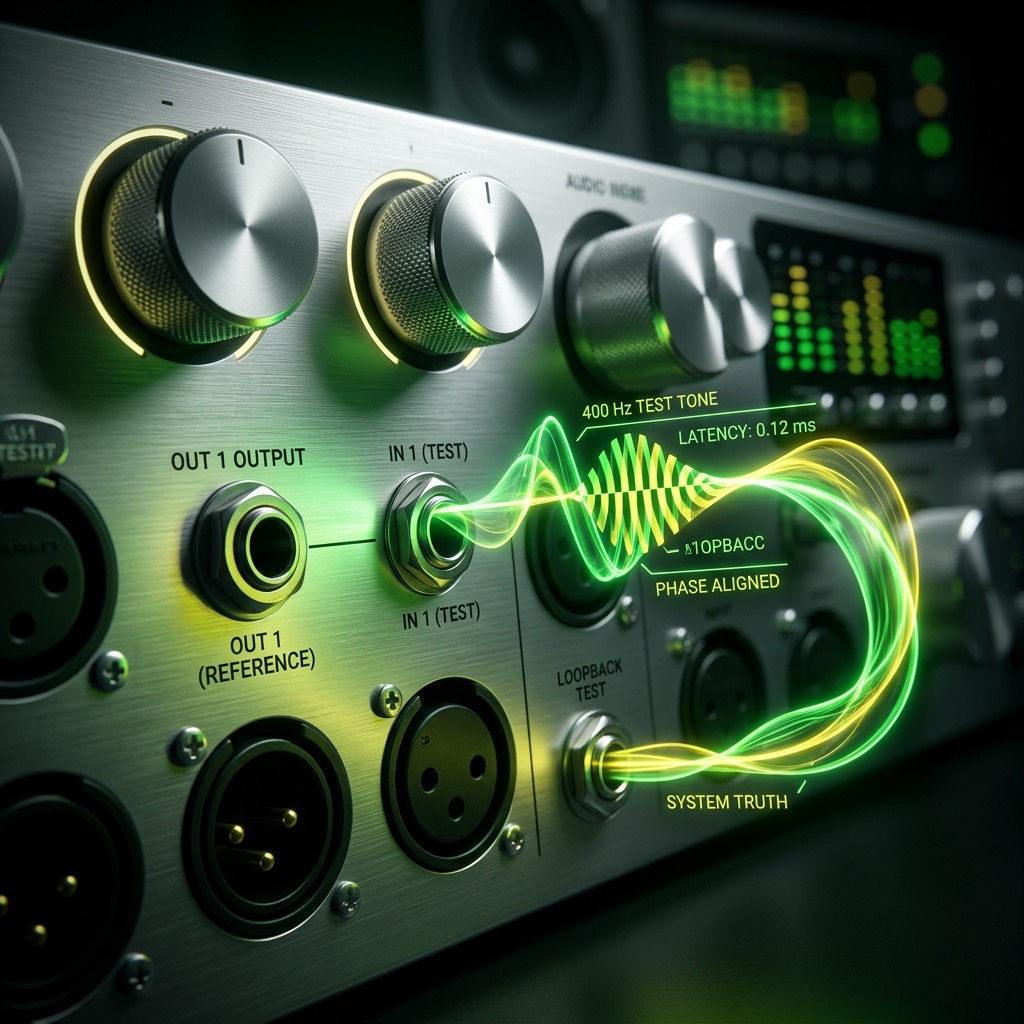
If you've landed on this page, you're likely not just browsing for random sounds. You're here because you need to solve a specific problem: understanding and testing the critical midrange of your audio system. In a world obsessed with booming bass and shimmering highs, the 400 Hz tone is the unassuming workhorse—the frequency band where the human voice lives, where the "body" of most instruments resides, and where audio clarity is won or lost. This isn't a toy; it's a diagnostic instrument. Let's get into why 400 Hz is your secret weapon for sonic truth.
Why 400 Hz is the Missing Link in Your Audio Diagnostics
You searched for this specific tone, and that's not an accident. Most people gravitate toward 20 Hz for subwoofer testing or 1 kHz for general level matching, but 400 Hz occupies a unique and often neglected space. This is the epicenter of the human vocal formant region—the area where consonant articulation and vowel definition are most pronounced. If you're experiencing "muddy" vocals or a lack of presence in podcasts, or if your studio monitors sound "boxy," the culprit is almost always a problem in the 300–500 Hz range. By generating a pure 400 Hz sine wave, you are isolating the exact frequency where your ears are most sensitive to phase cancellation and room resonance. This tone isn't about feeling the sound; it's about analyzing the texture of the sound.
Essential Gear: Matching Your Playback System to the Tone
Unlike testing 30 Hz, which demands a subwoofer, or 8 kHz, which can be accurately reproduced by almost anything, 400 Hz has a sweet spot for equipment. Here’s what you need to get a true reading.
- For Critical Listening (Studio Monitors): Any decent pair of near-field monitors will handle this flawlessly. The key here is positioning. The 400 Hz wavelength is roughly 2.8 feet long. Ensure your listening position isn't exactly half that distance (1.4 feet) from a wall, or you'll create a null that cancels out the tone.
- For General Troubleshooting (Headphones): This is actually the preferred method for pure signal testing. Closed-back, over-ear headphones are ideal because they bypass room acoustics entirely. You are testing the driver, not the room. In-ear monitors also work, but ensure they have a flat response—consumer earbuds often boost this exact range to make voices "intimate," which will give you a false positive.
- Avoid Large Subwoofers: If you're using a subwoofer with a crossover set to 80 Hz or 120 Hz, it won't even play this tone. You need to be using your main Left/Right speakers, not the bass bin.
Step-by-Step: Dialing in the Perfect 400 Hz Signal
Operating the generator is simple, but executing the test requires a specific protocol to get usable data. Follow this sequence to avoid contaminating your results.
- Set the Waveform: Start with a Sine Wave. This is non-negotiable for testing. A sine wave contains no harmonics, meaning you are hearing only 400 Hz and nothing else. Switch to a square wave later if you want to stress-test amplifier headroom, but for clarity checks, stick to sine.
- Volume Fader Strategy: Set your system volume to 50% before pressing play. Then, on the generator, start the volume slider at 0% and slowly raise it. You are listening for the transition point where the tone becomes audible and then comfortable. Do not blast it. 400 Hz is a frequency that humans perceive as relatively loud compared to 100 Hz, so it doesn't need high gain to be effective.
- Stereo Balance Check: Play the tone and physically move your head from left to right. The tone should remain perfectly centered. If it shifts, you have a channel imbalance. This is a classic test for faulty potentiometers (volume knobs) in older amplifiers.
- Duration: Do not leave the tone running for more than 30 seconds at a time. Your ears will fatigue to this frequency, making it harder to judge the next test. Use short bursts.
Real-World Applications: Beyond the Boring "Test"
This frequency isn't just for finding broken gear. It has profound practical uses for sound therapy and acoustic treatment.
- Speaker Placement (The "Bass" Trap): Play the 400 Hz tone and walk around the room. You will hear the volume fluctuate wildly. If you find a spot where the tone almost disappears, that's a standing wave null. Move your listening chair or desk to avoid these zones. This is the fastest way to improve vocal clarity without buying acoustic foam.
- Audio Interface Latency Check: If you're recording, route the 400 Hz tone through your audio interface and back into a DAW. The phase alignment between the input and output signal will immediately reveal if your buffer size is causing latency issues.
- Sound Therapy Focus: In the context of sound healing, 400 Hz is often used for "grounding" but with a mental clarity focus. Unlike lower tones that vibrate the body, 400 Hz is perceived more in the head and throat. Use it for short meditation sessions to sharpen concentration, but keep the volume low—it's a presence frequency, not a massage frequency.
Critical Limitations: When 400 Hz Fails You
This tone is powerful, but it is not a universal solvent. Knowing when not to use it will save you hours of frustration.
- It Will Not Test Bass Extension: If you are trying to verify a subwoofer's performance, 400 Hz is useless. You need to go below 50 Hz to stress the driver's excursion. Using 400 Hz here will only tell you if your mid-woofer is working, not your sub.
- Smartphone Speakers: A tiny phone speaker is physically incapable of producing a linear 400 Hz tone. They often resonate around 1 kHz and will distort this frequency. If you're using a phone, you're hearing the speaker's limitation, not the tone's purity.
- Hearing Safety: While not as dangerous as 8 kHz, 400 Hz at high volume can cause immediate listening fatigue. It engages the cochlea aggressively. If you feel pressure in your ears or the tone starts to sound "scratchy," turn it down immediately. You are causing distortion in your ear, not the speaker.
400 Hz vs. 500 Hz: The Critical Distinction
They are only 100 Hz apart, but they tell you vastly different stories about your system. 500 Hz is where "honk" and "nasality" live. When you boost 500 Hz, voices sound like they are pinching their nose. 400 Hz, however, sits just below that—it is the "chest" of the voice. It provides weight and warmth without the nasal edge.
If your system reproduces 500 Hz cleanly but 400 Hz sounds hollow, you have a driver issue (likely a cone breakup). Conversely, if 400 Hz is loud but 500 Hz is quiet, you likely have a room mode cancellation. Use these two tones back-to-back to pinpoint whether the problem is the source (the speaker) or the environment (the room). This A/B test is the most effective way to diagnose midrange mud.
Troubleshooting: Why Your 400 Hz Tone Sounds "Off"
Here are the three most common issues users hit when generating this specific frequency, and how to fix them immediately.
Issue 1: The tone warbles or pulses.
This is not a generator problem; this is acoustic interference. The sound waves are bouncing off your desk and colliding with the direct sound. Fix: Move your head six inches in any direction. If the warble stops, you've found a comb-filtering zone. Rearrange your desk setup to avoid sitting in that specific spot.
Issue 2: The tone is quieter than 100 Hz or 1 kHz.
This is likely due to a "suck-out" in your room acoustics, or you are using a "loudness" setting on your amplifier that boosts lows and highs. Fix: Turn off all EQ and loudness features. If the volume drops, you have a room null. If it stays low, check that your speakers are wired in phase (positive to positive).
Issue 3: You hear a second, higher-pitched "ring" alongside the tone.
You are hearing harmonic distortion from the speaker driver struggling to move air. Fix: Lower the volume. If the ring disappears, you were overdriving the speaker. If it persists at low volume, your speaker cone is physically damaged or has debris on it.
400 Hz Pure Tone Generator
400 Hz is a precise audio frequency in the mid frequency range. Our online tone generator produces a pure 400 Hz sine wave that you can play instantly in your browser for free.
Uses for a 400 Hz Tone
- Audio Testing: Verify that your speakers, headphones, or amplifier reproduce 400 Hz accurately.
- Acoustic Research: Use 400 Hz as a controlled stimulus for room acoustics analysis and measurement.
- Sound Design: Use as a reference or building block in music production and sound design workflows.
- Calibration: Calibrate audio equipment, signal processors, and measurement tools at 400 Hz.
Technical Details
This generator produces a mathematically pure 400 Hz sine wave. A sine wave is the simplest waveform, containing only the fundamental frequency with no harmonics. This makes it the ideal signal for precision audio testing, calibration, and measurement.
Play 400 Hz Free Online
No downloads, no plugins, no sign-up required. Generate a precise 400 Hz tone instantly in your browser and use it for audio testing, sound design, and acoustic research.