The 450 Hz Tone Generator: Your Precision Tool for Midrange Mastery
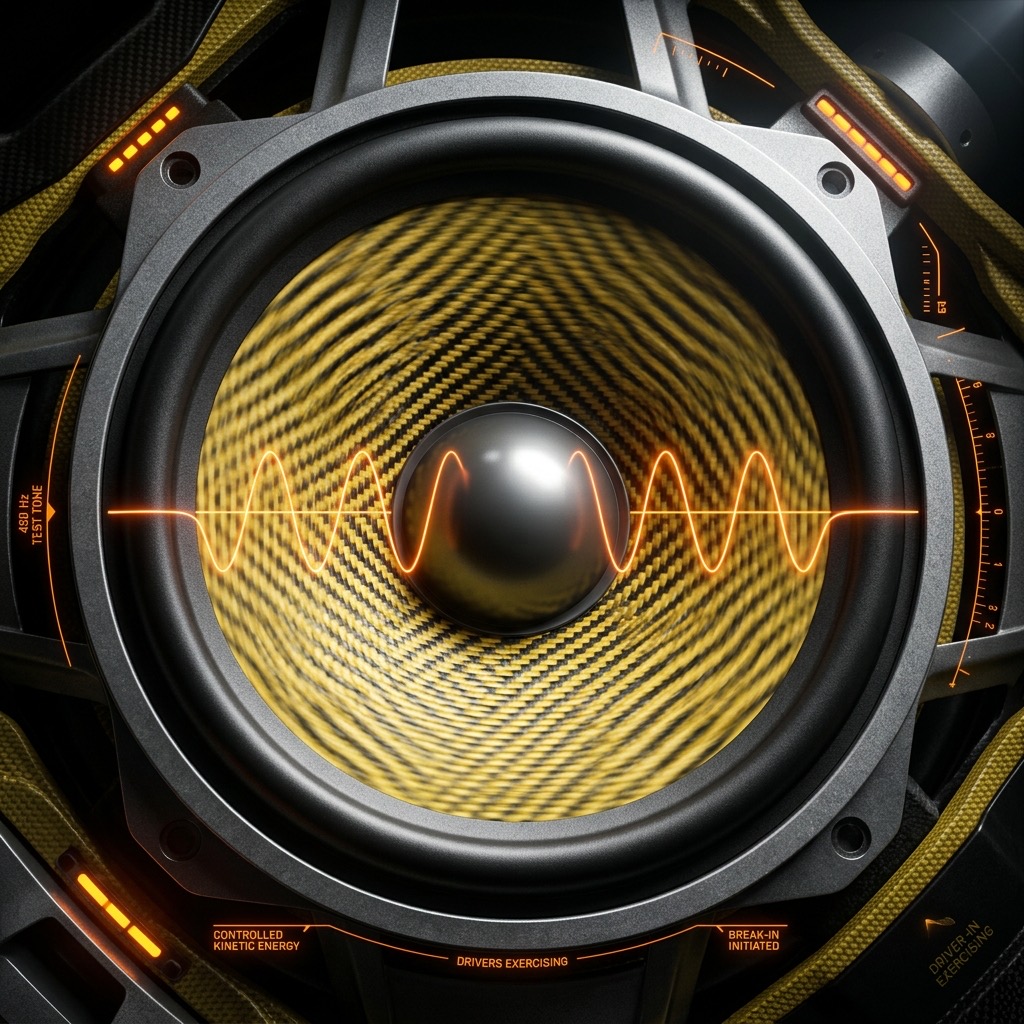
You didn't stumble onto this page by accident. You’re here because you need a specific, measurable reference point in the sonic chaos. While many tone generators offer a dizzying array of frequencies, 450 Hz is not just another number on a dial. It is a surgical instrument for dissecting the heart of human speech and the critical midrange of your audio system. This is the frequency where clarity lives or dies, where muddiness creeps in, and where the human voice gains its power and intelligibility. Let’s cut through the noise and put 450 Hz to work.
Why 450 Hz? The Precision Problem It Solves
When you search for a 450 Hz tone, you're usually not just curious. You're troubleshooting a specific, nagging issue. This frequency sits squarely in the upper midrange, a region that is arguably the most psychoacoustically important part of the spectrum. The problem it solves is one of masking and clarity. In a mix, 450 Hz is where the fundamental frequencies of many male vocals and the lower formants of female vocals reside. If this region is over-emphasized, you get a "honky" or "boxy" sound that fatigues the ear. If it's under-emphasized, vocals become thin, distant, and buried in the mix.
This tone is your reference to identify resonances, standing waves, and frequency response anomalies that specifically attack speech intelligibility. It is the frequency to use when you need to ensure a podcast, a voiceover, or a live PA system is delivering clear, natural dialogue without boominess or harshness.
Gear Check: What You Need for a Clean 450 Hz Test
Unlike sub-bass frequencies that demand massive woofers, 450 Hz is far more forgiving, but you still need to be smart about your setup. Here’s the breakdown:
- Headphones (Preferred): For the most accurate and immediate assessment, use a pair of open-back studio headphones. They offer a flatter frequency response and better transient response than consumer earbuds, allowing you to hear the true character of the tone without coloration from your room.
- Studio Monitors: If you're testing a room or a mix, use a single monitor speaker at a time. Stand in the "sweet spot" (the apex of an equilateral triangle between you and the speakers) to avoid phase cancellation. In a typical room, 450 Hz can create standing waves, so moving your head even a few inches can change the perceived volume. This is a feature, not a bug—it helps you find problem nodes.
- Smartphone vs. Laptop: A laptop with a dedicated sound card is better than a phone. Phone speakers are tiny and often have a severe dip or peak in the 400-500 Hz range due to their size and enclosure. For accurate testing, use a laptop or desktop with a decent DAC (Digital-to-Analog Converter).
Critical Note: You do not need a subwoofer. This is a midrange tone. A subwoofer is for frequencies below 80 Hz; sending a 450 Hz tone to it will only result in a very quiet, directionless hum, or potentially damage the driver if the crossover is set incorrectly.
The Operational Guide: Dialing in 450 Hz Like a Pro
Using the generator is simple, but doing it correctly is an art. Follow this sequence for reliable, repeatable results:
- Set the Waveform: Start with a Sine Wave. A sine wave is a pure frequency with no harmonics. It is the only way to accurately test a single frequency point without interference from overtones. A square wave at 450 Hz would contain odd-order harmonics (1350 Hz, 2250 Hz, etc.), which will confuse your analysis of the midrange.
- Volume Fader Discipline: Turn the volume on your amplifier or interface to zero before pressing play. Then, slowly raise the volume to a comfortable listening level (around 70-75 dB SPL). Do not crank it. 450 Hz is in the most sensitive part of human hearing (2-5 kHz is more sensitive, but this is close), so it will sound louder than a 100 Hz tone at the same volume setting.
- Mono vs. Stereo: If your generator offers a channel selector, use Mono for the initial test. This ensures you are evaluating the frequency response of the system, not the stereo imaging. Stereo panning can create comb-filtering effects that make the tone sound "swishy" or uneven.
- A/B Testing: Don't just listen to the tone. Play it, then play a track with heavy vocal content. Switch back and forth. This A/B comparison is the fastest way to hear how a boost or cut at 450 Hz affects real-world material.
Practical Applications: Where 450 Hz Wins
This is not a frequency for testing deep bass or airy highs. It is a workhorse for the following specific scenarios:
- Vocal Intelligibility in Podcasts & Audiobooks: Use this tone to check if your microphone or room is causing a "presence dip" or a "muddy peak." If the 450 Hz tone sounds louder or quieter than expected, your voice will suffer the same fate. A flat response here ensures your dialogue is clear and easy to understand.
- Telephone Bandwidth Simulation: The classic telephone band is 300 Hz to 3.4 kHz. 450 Hz is right in the middle of the most critical part of that band. If you are designing a ringtone, a PA system for a train station, or a walkie-talkie app, this tone tells you if your system is intelligible in the presence of background noise.
- Guitar & String Instrument Tuning: While standard tuning uses 440 Hz (A4), 450 Hz is a useful reference for checking intonation on the lower strings. It is close enough to A to be a reference for the B string on a guitar (B2 is ~123 Hz, but the 2nd harmonic is ~247, the 3rd is ~370, and the 4th is ~493). 450 Hz is a great mid-point check for overall string balance.
- Speaker Break-In & Driver Testing: A 450 Hz sine wave is an excellent signal for gently exercising a new midrange driver. It moves the cone in a controlled manner without the stress of low bass or the harshness of high treble.
Hard Limits: When 450 Hz Fails You
Let's be brutally honest about this frequency's limitations. Using 450 Hz for the wrong task will lead you astray. Here is where it will not help:
- Subwoofer Integration: Do not use this to set crossover points. You need frequencies at 80 Hz, 100 Hz, and 120 Hz for that. 450 Hz is far too high to glean any info about your low-end subsystem.
- Room Mode Analysis Below 200 Hz: This tone is too high to excite the primary axial room modes that cause booming bass. You cannot use it to find a "bass trap" location.
- Hearing Damage Risk: While not as piercing as 3 kHz, 450 Hz can still cause listening fatigue. If you are boosting this frequency to test a PA system, you can cause feedback loops that are incredibly loud. Always use a limiter on your output.
- Small Speakers: A tiny Bluetooth speaker might have a resonance peak at 450 Hz due to its plastic enclosure. This tone will sound distorted or "honky" not because of the signal, but because the speaker is physically resonating. You cannot fix this with EQ.
450 Hz vs. 500 Hz: The Sibilance and Honk Divide
The difference between 450 Hz and 500 Hz is subtle but crucial for fine-tuning. Here is the breakdown:
- 450 Hz: This frequency is more associated with the body of the voice and the low-mid "warmth" of instruments. Cutting here reduces "boom" and "mud" without affecting the "punch" of the sound. It is the frequency of the fundamental for many male voices.
- 500 Hz: This is the classic "telephone" frequency. It is slightly more aggressive and is often the center of the "honk" or "nasal" quality in a mix. If a vocal sounds like it's coming through a tin can, you have a peak at 500 Hz, not 450 Hz.
Actionable Advice: If your track sounds "boxy," sweep the EQ from 450 Hz up to 500 Hz. If the boxiness clears at 450 Hz, you have a resonance there. If it clears at 500 Hz, you are dealing with a different, slightly more aggressive resonance. Use the tone generator to find the exact center of the problem, then apply a narrow EQ cut (Q of 2-3) at that specific frequency.
Troubleshooting Your 450 Hz Test: The FAQ
Here are the three most common issues you will run into when generating this specific tone, and how to fix them instantly.
1. The Tone Sounds "Wobbly" or "Phasing"
You are likely listening in stereo in a room with reflective surfaces. The sound from your left speaker is bouncing off a wall and arriving at your right ear milliseconds after the direct sound. This creates comb filtering. The Fix: Switch your generator to Mono and place your head in a fixed position. If you are using headphones, ensure they are seated correctly and that the left and right drivers are not out of phase (check your balance settings).
2. The Volume is Inconsistent Across Different Devices
You play 450 Hz on your laptop and it's moderate. You plug in your phone and it's blaring. This is not a bug; it's the mobile phone frequency masking feature. Many smartphones have a "call clarity" EQ curve that boosts 400-500 Hz to make voices louder on the tiny speaker. The Fix: Turn off any "Smart Audio" or "Voice Enhancer" features in your phone's settings. Or, better yet, use a dedicated audio interface for testing.
3. The Tone is Distorted Even at Low Volume
If you are using a square wave or a sawtooth wave, you will get distortion because those waveforms contain harmonics. But if you are on a sine wave and still hear buzzing, you are likely overloading the input stage of your speakers. The Fix: Lower the volume on the generator itself, not the amplifier. If you have the generator at 100% and the amp at 10%, the input stage clips. Set the generator to 50% and the amp to a comfortable level. This gives you headroom and a clean signal.
450 Hz Pure Tone Generator
450 Hz is a precise audio frequency in the mid frequency range. Our online tone generator produces a pure 450 Hz sine wave that you can play instantly in your browser for free.
Uses for a 450 Hz Tone
- Audio Testing: Verify that your speakers, headphones, or amplifier reproduce 450 Hz accurately.
- Acoustic Research: Use 450 Hz as a controlled stimulus for room acoustics analysis and measurement.
- Sound Design: Use as a reference or building block in music production and sound design workflows.
- Calibration: Calibrate audio equipment, signal processors, and measurement tools at 450 Hz.
Technical Details
This generator produces a mathematically pure 450 Hz sine wave. A sine wave is the simplest waveform, containing only the fundamental frequency with no harmonics. This makes it the ideal signal for precision audio testing, calibration, and measurement.
Play 450 Hz Free Online
No downloads, no plugins, no sign-up required. Generate a precise 450 Hz tone instantly in your browser and use it for audio testing, sound design, and acoustic research.