The 475 Hz Tone Generator: Your Surgical Tool for Midrange Driver Analysis
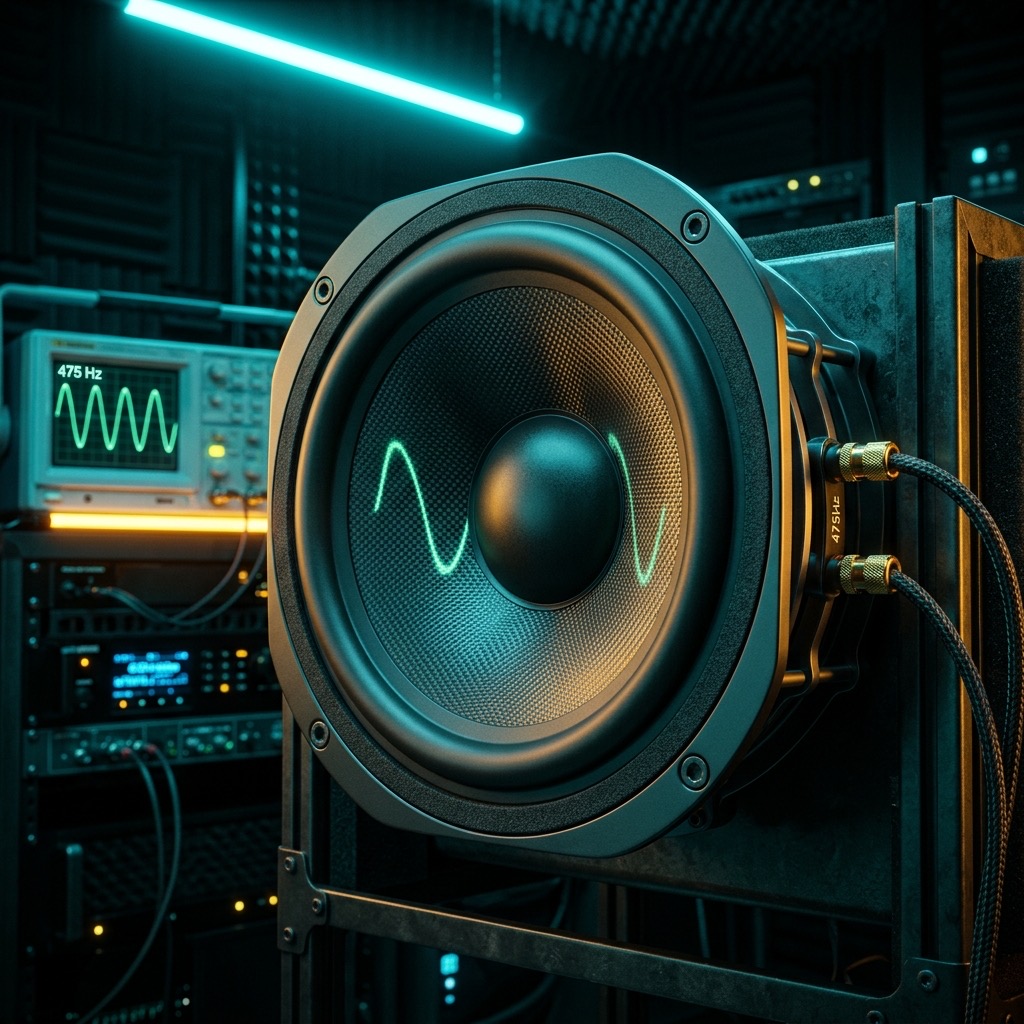
If you’ve landed on this page, you aren't just fiddling with frequencies. You are likely chasing a specific gremlin in your audio chain—a muddy vocal, a honky midrange, or a crossover phase issue that's killing your mix. 475 Hz is not a random number; it sits in the upper bass/lower midrange transition zone, a critical area where the human ear is exceptionally sensitive to distortion and coloration. This tone is your scalpel for dissecting that region.
Why 475 Hz? The "Voice-Box" Frequency You've Been Ignoring
Most test tones focus on the extremes—the sub-bass rumble or the airy highs. But 475 Hz solves a very specific, frustrating problem: midrange intelligibility and driver coherence. This frequency is the epicenter of the human vocal formant, particularly the fundamental frequencies of male speech and the lower harmonics of female voices. If your system fails here, vocals sound boxy, chesty, or completely recessed. By isolating 475 Hz, you are stress-testing the exact bandwidth responsible for the "presence" and "body" of a voice, allowing you to identify resonances that mask speech clarity.
Your Testing Rig: Prerequisites for Accurate Results
Before you hit play, let's talk gear. You cannot evaluate a midrange driver with a subwoofer, and you cannot evaluate a bookshelf speaker with a smartphone speaker. Here is what you need to get a true reading:
- Full-Range Monitors or Headphones: You need a transducer that is flat and extended in the 400-600 Hz range. A standard two-way bookshelf speaker or a high-quality open-back headphone (like an Audiotechnica or Sennheiser) is ideal. Avoid tiny Bluetooth speakers; they have massive peaks in this region that will fool you.
- An SPL Meter (or a calibrated microphone): Your ears are good, but they adapt. An SPL meter (even a smartphone app) helps you ensure you are testing at a consistent 75-80 dB, which is where the ear is most linear.
- Amplifier & DAC: Ensure your source is not adding its own coloration. A clean headphone amp or direct interface output is preferred over a laptop's internal sound card, which often has a slight upper-mid bump.
Operating the Generator: A Step-by-Step Calibration Routine
Using the tool is simple, but doing it correctly is an art. Follow this sequence for a reliable test:
- Set the Waveform: Start with a Sine Wave. This is a pure, single frequency. It will reveal resonances without masking them with harmonics. Switch to Square Wave later if you want to test harmonic distortion, but for locating a peak, sine is king.
- Start Low: Set the volume on your amplifier to zero. Then, press play on the generator. Slowly raise the volume until you reach a comfortable listening level (around 70-75 dB). Never start with the volume high.
- Position Yourself: Sit exactly at the "sweet spot" of your monitors (forming an equilateral triangle with the tweeters). If using headphones, ensure they are sealed properly around your ears.
- Sweep and Listen: Keep the tone at 475 Hz. Listen for three things: Volume stability (does it waver?), Resonance (does it sound boomy or hollow?), and Distortion (does it sound gritty or fuzzy?).
- Mono Check: If you are testing a stereo system, switch to mono. If the tone shifts in pitch or volume, you have a phase cancellation issue at this frequency.
Best Applications & Results: Beyond Just "Hearing" a Beep
This tone is not for pleasure; it is for diagnosis. Here is how to utilize the output effectively:
- Crossover Alignment: If you have a three-way speaker, 475 Hz is often the crossover point between a midrange driver and a woofer. If the tone sounds "phasey" or soft, your crossover slopes are misaligned.
- Room Mode Identification: In a small room, 475 Hz can trigger a standing wave. Walk around the room while the tone plays. If the volume drastically changes as you move, you have a room node that will muddy your vocal mixes.
- Driver Break-In: For new speakers, playing this tone at moderate volume for 10-15 minutes helps exercise the spider and surround of the midrange driver, loosening it up for accurate response.
- Mixing Reference: If you are mixing a podcast or vocal track, drop this tone into your session at -18 dBFS. Mix your vocals so they sit just above the tone's volume. If your vocal gets lost, you have a 475 Hz masking issue.
Limitations & Warnings: When This Tone Will Fail You
Let’s be brutally honest about physics. 475 Hz is not a bass frequency. If you try to play this on a large subwoofer, you will get almost no output—the driver is not designed to move air that fast. Conversely, playing this on a small smartphone speaker will yield a tinny, distorted mess because the tiny driver is trying to produce a frequency it physically cannot handle. Warning: Do not crank the volume to "feel" this tone. It is in the most sensitive part of your hearing range. Prolonged exposure above 85 dB at this frequency will cause listening fatigue and potential permanent hearing damage. Your ears will "tilt" and lose sensitivity to this exact band if you overdo it.
475 Hz vs. 500 Hz: The Critical Distinction
You might think, "Why not just use 500 Hz?" The difference is subtle but crucial. 500 Hz is a standard reference point, but it often sits right on the edge of a crossover filter's slope. 475 Hz is slightly lower, placing it more securely in the "vocal warmth" zone rather than the "upper midrange presence" zone. Testing at 475 Hz will highlight issues in the chest resonance of a voice, while 500 Hz will highlight issues in the nasal cavity. If you are trying to fix a "honky" or "cupped hands" sound, 475 Hz is your target. If you are trying to fix sibilance or harshness, you need to look at 3 kHz, not here.
Troubleshooting Your 475 Hz Test: Common Pitfalls & Fixes
Here are the three most common issues users hit when running this specific test:
- The tone sounds "warbly" or "pulsing": This is not a speaker issue; it is a digital clocking issue. Your audio interface and your computer are not sample-rate synchronized. Fix: Close other browser tabs, restart your audio driver, or plug directly into the interface rather than using a USB hub.
- The tone is barely audible on my monitors: You are likely feeding the signal to the wrong output. Check your OS audio settings to ensure the browser is routing to the correct device (e.g., "Speakers" vs. "Headphones"). Also, ensure your volume knob is not set to "Mute" on the specific channel you are using.
- I hear a secondary high-pitched squeal: This is intermodulation distortion from your amplifier clipping. Lower the tone generator's volume to 50% and increase the amplifier's volume instead. The amp is being overdriven by the input signal, not the volume.
475 Hz Pure Tone Generator
475 Hz is a precise audio frequency in the mid frequency range. Our online tone generator produces a pure 475 Hz sine wave that you can play instantly in your browser for free.
Uses for a 475 Hz Tone
- Audio Testing: Verify that your speakers, headphones, or amplifier reproduce 475 Hz accurately.
- Acoustic Research: Use 475 Hz as a controlled stimulus for room acoustics analysis and measurement.
- Sound Design: Use as a reference or building block in music production and sound design workflows.
- Calibration: Calibrate audio equipment, signal processors, and measurement tools at 475 Hz.
Technical Details
This generator produces a mathematically pure 475 Hz sine wave. A sine wave is the simplest waveform, containing only the fundamental frequency with no harmonics. This makes it the ideal signal for precision audio testing, calibration, and measurement.
Play 475 Hz Free Online
No downloads, no plugins, no sign-up required. Generate a precise 475 Hz tone instantly in your browser and use it for audio testing, sound design, and acoustic research.