The 500 Hz Tone: Your Secret Weapon for Audio Clarity and Speech Intelligibility
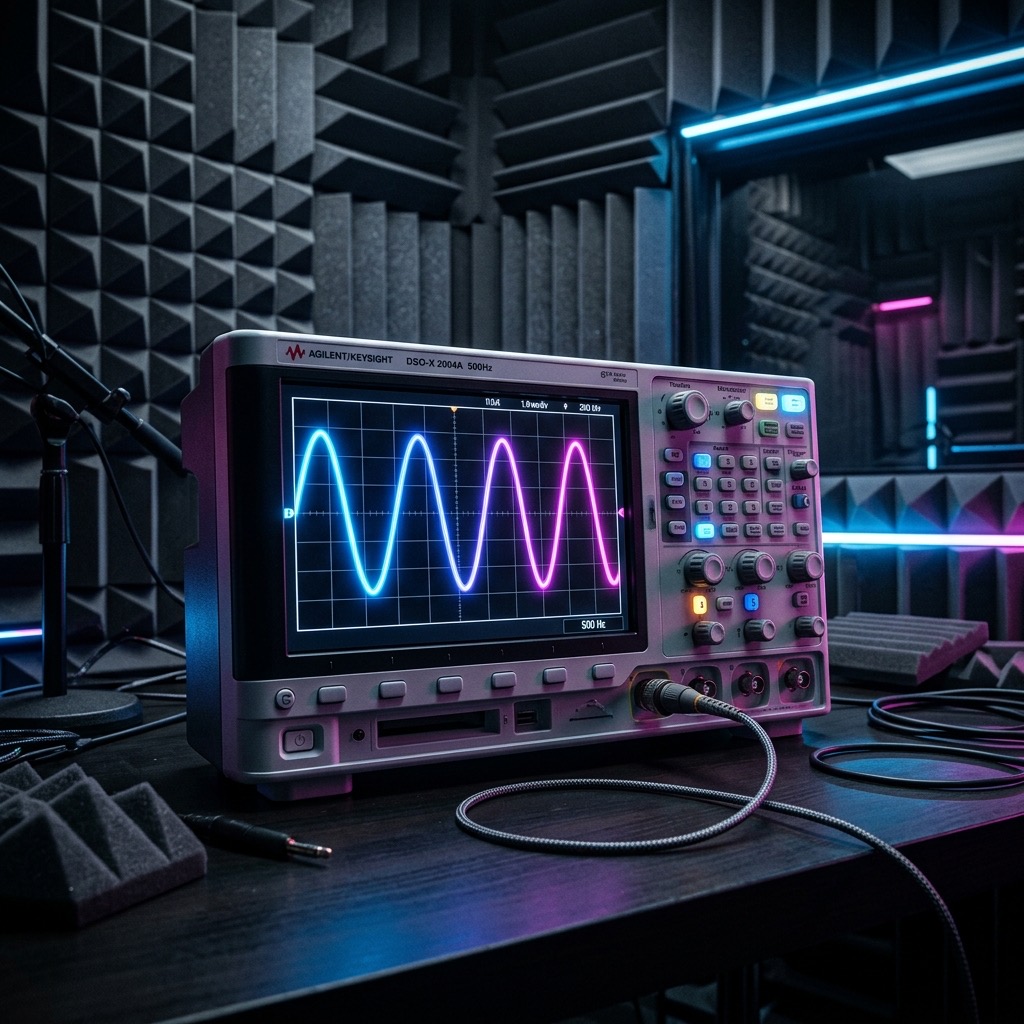
Let’s be honest—most people don’t wake up and think, "I need to generate a 500 Hz sine wave today." But if you’ve landed here, you’re probably chasing a very specific, tangible outcome. You aren't testing the rumble of an earthquake, and you aren't checking the sparkle of a cymbal. You are looking at the beating heart of the human voice and the foundation of your speaker's "body."
This frequency is the bridge between the chest-thumping bass and the piercing treble. It’s the point where a mix either sounds warm and present or honky and boxy. I use 500 Hz to solve a very specific acoustic problem: masking. When a room or a speaker has a resonance or a dip right here, vocals get buried. You turn the volume up, but you still can't understand the lyrics. This tone is the surgical scalpel for that issue.
Why 500 Hz is the "Voice Doctor" (And Why You’re Here)
You searched for this specific frequency because you are likely dealing with a mix that sounds "muddy" or a room that swallows dialogue. While 1 kHz is the pure "presence" band, 500 Hz is where the fundamental frequencies of the human vocal cords actually live. This is the energy that gives a voice its weight and authority. If your audio system has a dip here, voices sound thin and distant. If it has a peak here, voices sound nasal or like they are talking through a cardboard tube. This tone isn't just a beep; it is a diagnostic tool to ensure your system respects the natural harmonics of speech.
What You’ll Need Before You Press Play
Unlike testing 30 Hz (where you need a massive subwoofer to feel the air move), 500 Hz is far more accessible. However, the quality of your output device matters more than the size.
- Full-Range Speakers (Preferred): This is the sweet spot for most bookshelf speakers and studio monitors. You don't need a subwoofer for this. In fact, if you have a subwoofer, I highly recommend turning it off to avoid crossover phase issues during the test.
- High-Quality Headphones: Studio headphones (like Sennheiser HD600s or Audio-Technica M50x) are excellent. Avoid cheap earbuds, as they often have a massive artificial spike at 500 Hz to fake "fullness" that will skew your perception.
- Phone Speakers: They will play this tone, but they will also distort due to their tiny size. Use them only for a rough reference, not for critical evaluation.
- Volume Knob Access: Keep your amplifier or interface volume at 50% before starting. This frequency can be deceptively loud.
Step-by-Step: Calibrating Your System with the Generator
Don't just press play and stare at the wall. You need to use this tone actively. Here is the exact workflow I use in my practice:
- Set the Waveform to "Sine": This is crucial. A sine wave is a pure tone with no harmonics. A square wave at 500 Hz will contain overtones that confuse your listening test. Use the "Sine" option for absolute clarity.
- Start at Low Volume (40%): Set the generator volume to 40% and hit play. Listen to the "pitch" of the tone. It should sound smooth and steady, like a low hum.
- Sweep Your Position: If using speakers, walk around the room. You will notice the volume of the tone changes dramatically in different spots. This is called a "standing wave" or "room mode." If you are setting up a listening position, move your chair to the spot where the tone sounds the most even (not necessarily the loudest, but the most stable).
- Switch to "Square" Wave (Optional): If you want to check for "chuffing" or distortion in your tweeters, switch to a square wave. If you hear a harsh, gritty edge to the tone, your speakers are struggling with the transient response at this frequency.
- Compare Left and Right: Use the balance control on your audio interface. The tone should sound perfectly centered. If it sounds like it pulls to one side, you have a channel imbalance at this critical vocal frequency.
Best Applications: Using 500 Hz for Real-World Results
This tone is not for meditation; it is for verification. Here is where you get the most bang for your buck:
- Speaker Placement: Place the generator on 500 Hz and move your speakers closer to or further from the back wall. You are listening for the "bass boom" to disappear. When the tone becomes dry and tight, your speakers are correctly placed for accurate midrange reproduction.
- EQ Tweaking: In a DAW (like Ableton or Pro Tools), play this tone through your monitors. Insert a parametric EQ and boost 500 Hz by +6 dB. You will instantly hear the "honk." Now, cut 500 Hz by -3 dB. This is often the "scoop" that makes vocals sound more professional and less congested.
- Telephone Bandwidth Test: Since the classic telephone band is roughly 300 Hz to 3.4 kHz, 500 Hz is the anchor of that range. If you are designing a PA system for a conference room or a podcast setup, ensure this tone is audible and clear. If it is missing, your audio will sound like a cheap walkie-talkie.
Critical Limitations: When 500 Hz Lets You Down
You need to know when not to trust this frequency. It is a powerful tool, but it has specific blind spots.
- It won't test sub-bass: If you are trying to set up a home theater for explosions, 500 Hz is useless. You need to go down to 50 Hz or lower to feel the pressure.
- It masks room echo: In a very reverberant room (like a tiled bathroom), the 500 Hz tone will ring on for a second after you stop it. This is normal, but it can fool you into thinking your speakers are slow. Use a 1 kHz tone to test the actual "attack" of the speaker, as it is less affected by room reverb.
- Hearing Fatigue: At high volumes, 500 Hz is physically exhausting. It resonates in the ear canal and can cause listening fatigue quickly. Keep the volume low (around 70 dB SPL) and take breaks every 10 minutes.
500 Hz vs. 1 kHz: The Battle for Presence
Many beginners confuse these two, but they serve vastly different masters. Here is the quick breakdown:
- 500 Hz (The Body): This is the "chest" of the sound. It provides warmth, weight, and power. Too much here sounds "boomy" or "muddy." It is the frequency of the fundamental vocal pitch.
- 1 kHz (The Presence): This is the "teeth" of the sound. It provides clarity, attack, and articulation. Too much here sounds harsh, aggressive, and "shouty." It is the frequency of the consonants and the bite of a snare drum.
If your mix sounds dark and unintelligible, cut 500 Hz. If it sounds piercing and annoying, cut 1 kHz. If you have to choose one to test with, 500 Hz is better for balance, while 1 kHz is better for detail.
Troubleshooting: Why Your 500 Hz Tone Sounds Wrong
Here are the three most common issues I see users run into when working with this specific frequency:
1. The tone sounds "warbly" or "pulsing."
Fix: This is almost always a digital clipping issue. Check your computer's master volume. If it is at 100%, lower it to 80% and raise the volume on your external speakers instead. The "warbling" is the sound of digital distortion (aliasing) at the DAC stage.
2. The volume is drastically lower on my Bluetooth speaker.
Fix: Bluetooth codecs (like SBC) often have a massive dip in the 500 Hz region to save bandwidth for other frequencies. This is a codec limitation, not a speaker fault. To test accurately, use a wired connection (3.5mm or USB).
3. I hear a "clicking" sound when I press play.
Fix: This is a DC offset or a "pop" caused by the waveform starting at a non-zero point. Try starting the tone at a lower volume, or if the generator has a "fade-in" option, use it. If not, press play and pause quickly a few times to "reset" the phase before leaving it on.
500 Hz Pure Tone Generator
500 Hz is a precise audio frequency in the mid frequency range. Our online tone generator produces a pure 500 Hz sine wave that you can play instantly in your browser for free.
Uses for a 500 Hz Tone
- Audio Testing: Verify that your speakers, headphones, or amplifier reproduce 500 Hz accurately.
- Acoustic Research: Use 500 Hz as a controlled stimulus for room acoustics analysis and measurement.
- Sound Design: Use as a reference or building block in music production and sound design workflows.
- Calibration: Calibrate audio equipment, signal processors, and measurement tools at 500 Hz.
Technical Details
This generator produces a mathematically pure 500 Hz sine wave. A sine wave is the simplest waveform, containing only the fundamental frequency with no harmonics. This makes it the ideal signal for precision audio testing, calibration, and measurement.
Play 500 Hz Free Online
No downloads, no plugins, no sign-up required. Generate a precise 500 Hz tone instantly in your browser and use it for audio testing, sound design, and acoustic research.