The 600 Hz Tone Generator: Your Precision Tool for Midrange Mastery
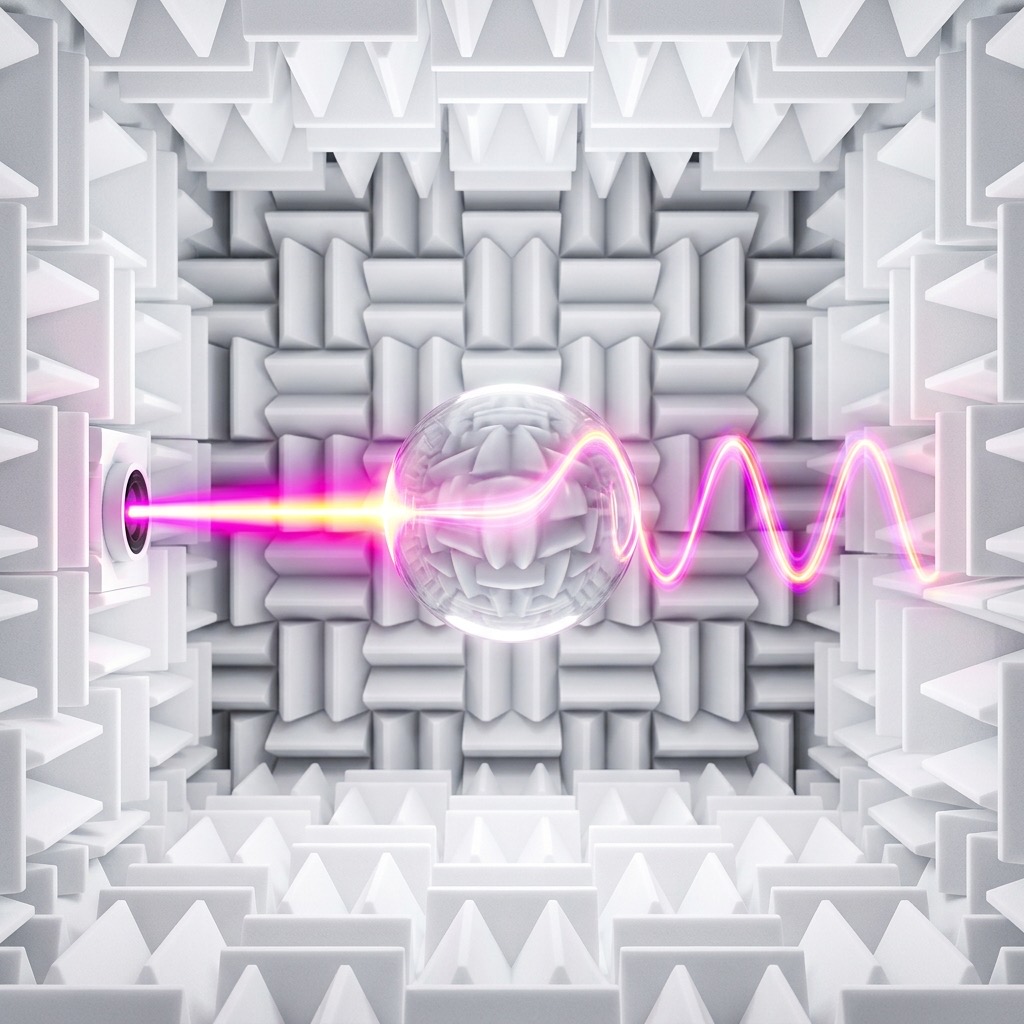
You didn't land on this page by accident. You're likely chasing a specific, nagging audio problem—a muddled vocal, a resonant peak in your studio monitors, or a frequency response anomaly in a room that just doesn't sound "right." 600 Hz is the unsung hero of the critical listening spectrum. It sits squarely in the heart of the human voice and the fundamental frequencies of many string and woodwind instruments. This guide isn't just about playing a tone; it's about using 600 Hz as a surgical instrument to diagnose, calibrate, and perfect your sonic environment.
Why 600 Hz? The Specific Problem It Solves
Most people search for "600 Hz tone" because they are hunting for a reference point in the most problematic area of the audio spectrum. This frequency is the epicenter of the upper midrange—the region where human hearing is most sensitive. If your mix sounds "boxy," "honky," or lacks intelligibility, 600 Hz is the prime suspect. This tone is your litmus test for speech articulation. It allows you to isolate the exact frequencies responsible for the nasal quality of vocals and the attack of a snare drum. By isolating this band, you can pinpoint why dialogue in a film is unclear or why a guitar solo gets lost in a dense mix. It's the key to unlocking clarity that other test tones simply can't provide.
Essential Gear: Setting Up for a 600 Hz Test
Unlike sub-bass frequencies that demand massive woofers, 600 Hz is far more forgiving. However, your playback system still determines the accuracy of your test. Here’s what you need to get a true reading:
- Full-Range Monitors or Hi-Fi Speakers: A pair of studio monitors with a flat frequency response is ideal. You don't need a subwoofer; in fact, you should turn it off to avoid crossover distortion at this frequency.
- High-Quality Headphones: If you're in an untreated room, closed-back, over-ear headphones are your best friend. They bypass room acoustics and give you a direct, uncolored representation of the tone.
- Smartphone vs. Laptop: Laptop speakers are acceptable for a quick check, but they often have a dip at 600 Hz due to their tiny drivers. For critical analysis, use an external speaker or high-quality headphones.
- Hardware EQ (Optional): If you're using this to tune a live sound system, a graphic equalizer with faders at 600 Hz and 630 Hz is essential for making cuts or boosts.
Step-by-Step: Dialing in the Perfect 600 Hz Tone
Operating the generator is simple, but precision matters. Follow this sequence to get the most accurate result:
- Select the Waveform: Start with a Sine Wave. This produces a pure, fundamental frequency with no harmonics, making it the only reliable choice for frequency response testing and room mode identification.
- Set the Volume Low: Begin with your device volume at 25%. 600 Hz is in the ear's most sensitive range, so it will sound louder than a 100 Hz tone at the same volume. Avoid a sudden blast.
- Press Play and Listen: Stand or sit exactly in your listening position. Listen for the "weight" of the tone. Does it sound boxy or hollow? That indicates a buildup in this region.
- Sweep Adjacent Frequencies: Switch between 500 Hz and 700 Hz. If 600 Hz sounds significantly louder or quieter than its neighbors, you have identified a specific acoustic anomaly or speaker driver issue.
- Switch to Square Wave (For Distortion Testing): If you want to stress-test your speakers' drivers, switch to a square wave. This adds odd-order harmonics, revealing if your tweeter or woofer is struggling with harmonic distortion at this crossover point.
Optimal Applications: From Studio to Soundstage
This tone isn't just for geeks with oscilloscopes. Here’s how to leverage 600 Hz in real-world scenarios:
- Vocal Clarity Fix: If your podcast or voiceover sounds "muddy," play this tone and cut the corresponding frequency on your EQ until the voice sounds more present and forward.
- Studio Monitor Placement: Play the tone and move your head slightly left and right. If the volume changes dramatically, you're sitting in a "null" or a "peak" caused by room reflections. Adjust your monitor angle or listening position.
- Telephone Bandwidth Simulation: 600 Hz is within the critical speech band (300 Hz–3.4 kHz). Use this tone to check how a mix translates to a phone call or a cheap Bluetooth speaker.
- Instrument Tuning: The D4 note on a guitar (around 293 Hz) is an octave below this, but the 600 Hz tone helps you hear the "body" of the note. Use it to check if your instrument's resonance is balanced.
Limitations & Critical Warnings
While 600 Hz is a powerful diagnostic tool, it has limitations. It will not help you test sub-bass extension. Your subwoofer is irrelevant here. More importantly, this frequency is a double-edged sword for your ears. Because the ear is highly sensitive at 2-5 kHz, and 600 Hz is close to that zone, prolonged exposure at high volumes can cause listening fatigue and potential hearing damage. Never crank the volume to "feel" the tone. If it sounds harsh or piercing, turn it down immediately. Also, note that a standard laptop speaker will often distort at this frequency if the volume exceeds 70%, giving you a false reading of your audio file's quality.
600 Hz vs. 1 kHz: The Clarity Contrast
It's natural to wonder why you'd choose 600 Hz over 1 kHz. The difference is subtle yet critical. 1 kHz is the standard reference for general audio levels and the "presence" region. It cuts through a mix. 600 Hz, however, is deeper into the "body" of the sound. While 1 kHz defines the "snap" of a snare or the "edge" of a vocal, 600 Hz defines the "meat" of the sound. If you boost 1 kHz, you get bite. If you boost 600 Hz, you get warmth—but overdo it, and you get a "honky" tone. Use 1 kHz to check level matching, but use 600 Hz to check the tonal balance of the fundamental frequencies of the human voice.
Frequently Asked Questions & Troubleshooting
Why does the tone sound quieter on my phone than on my laptop?
Phone speakers are tuned for voice intelligibility, often with a dip around 600 Hz to reduce "mud." This is a speaker limitation, not a generator error. Use headphones for accurate level checks.
The tone sounds "warbly" or "beating" even though it's a pure sine wave.
This is a room mode issue. The sound is bouncing off parallel walls and canceling itself out. Move your head a few inches in any direction, or relocate the speaker. If the warble disappears, you've found a standing wave node.
I hear a secondary high-pitched hiss along with the 600 Hz tone.
This is likely intermodulation distortion from your speakers. You are driving them too hard, or the crossover is misaligned. Lower the volume and switch from a Square wave back to a Sine wave. If the hiss persists, your driver may be damaged.
600 Hz Pure Tone Generator
600 Hz is a precise audio frequency in the mid frequency range. Our online tone generator produces a pure 600 Hz sine wave that you can play instantly in your browser for free.
Uses for a 600 Hz Tone
- Audio Testing: Verify that your speakers, headphones, or amplifier reproduce 600 Hz accurately.
- Acoustic Research: Use 600 Hz as a controlled stimulus for room acoustics analysis and measurement.
- Sound Design: Use as a reference or building block in music production and sound design workflows.
- Calibration: Calibrate audio equipment, signal processors, and measurement tools at 600 Hz.
Technical Details
This generator produces a mathematically pure 600 Hz sine wave. A sine wave is the simplest waveform, containing only the fundamental frequency with no harmonics. This makes it the ideal signal for precision audio testing, calibration, and measurement.
Play 600 Hz Free Online
No downloads, no plugins, no sign-up required. Generate a precise 600 Hz tone instantly in your browser and use it for audio testing, sound design, and acoustic research.